


Best Improved Features in Frappe / ERPNext v16
- Manufacturing & Subcontracting
- Multi-company accounting
- Financial reporting customization
- Stock control & reservation accuracy
Manufacturing & Inventory (Biggest Upgrade Area)
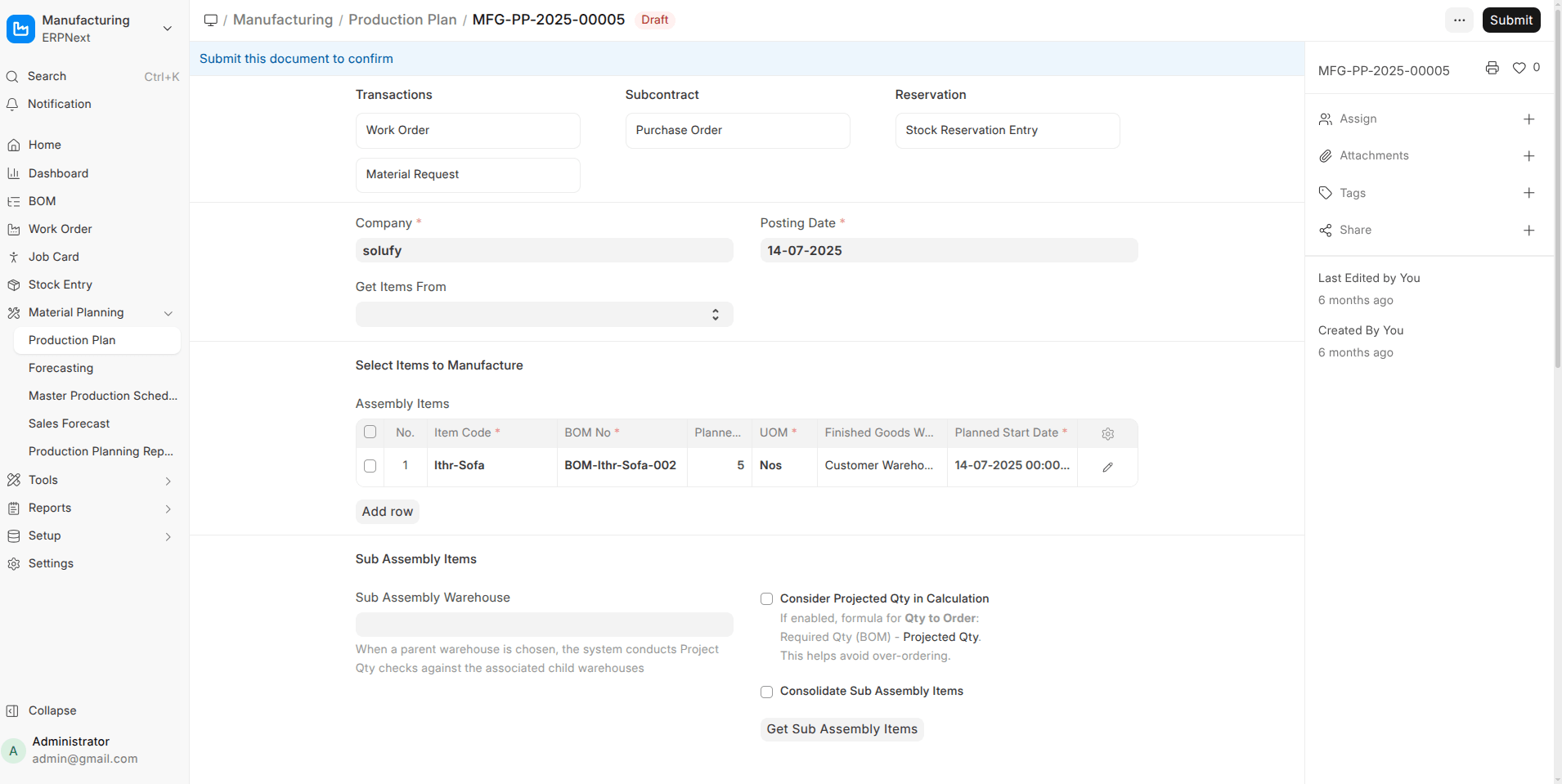
- Stock Reservation Everywhere ERPNext V16
Stock can now be reserved in Production Plan, Work Order, Subcontracting Order, and released when needed. This prevents stock conflicts and improves production reliability.
- New Master Production Schedule (MPS) & MRP Views
A consolidated planner view that calculates future production + purchase requirements from Sales Orders and current stock.
- Phantom BOM Support (Multi-level)
Phantom BOMs now explode correctly in Production Plans and Work Orders without creating unnecessary manufacturing steps.
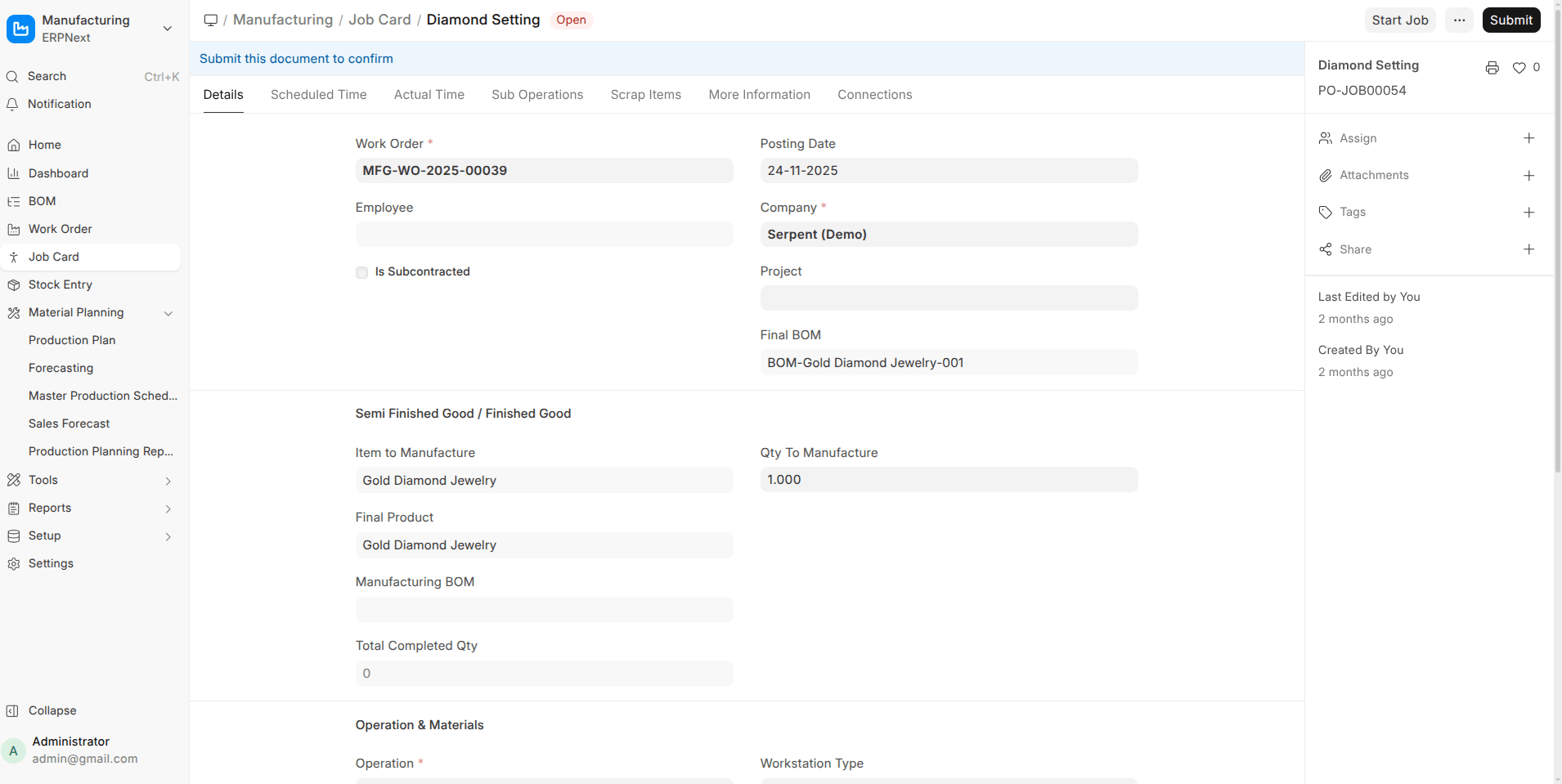
- Job Card Enhancements
Track raw materials consumed and finished goods produced per operation, including outsourced operations with direct subcontracting POs.
- Subcontracting End-to-End Flow
New documents like Subcontracted Sales Order, Subcontracting Inward Order, stock reservations, validations, and a dedicated workspace.
Stock & Warehouse Improvements
- Ledger Preview Before Submit (Stock Entry)
Preview Stock Ledger and Accounting Ledger impact before submission.
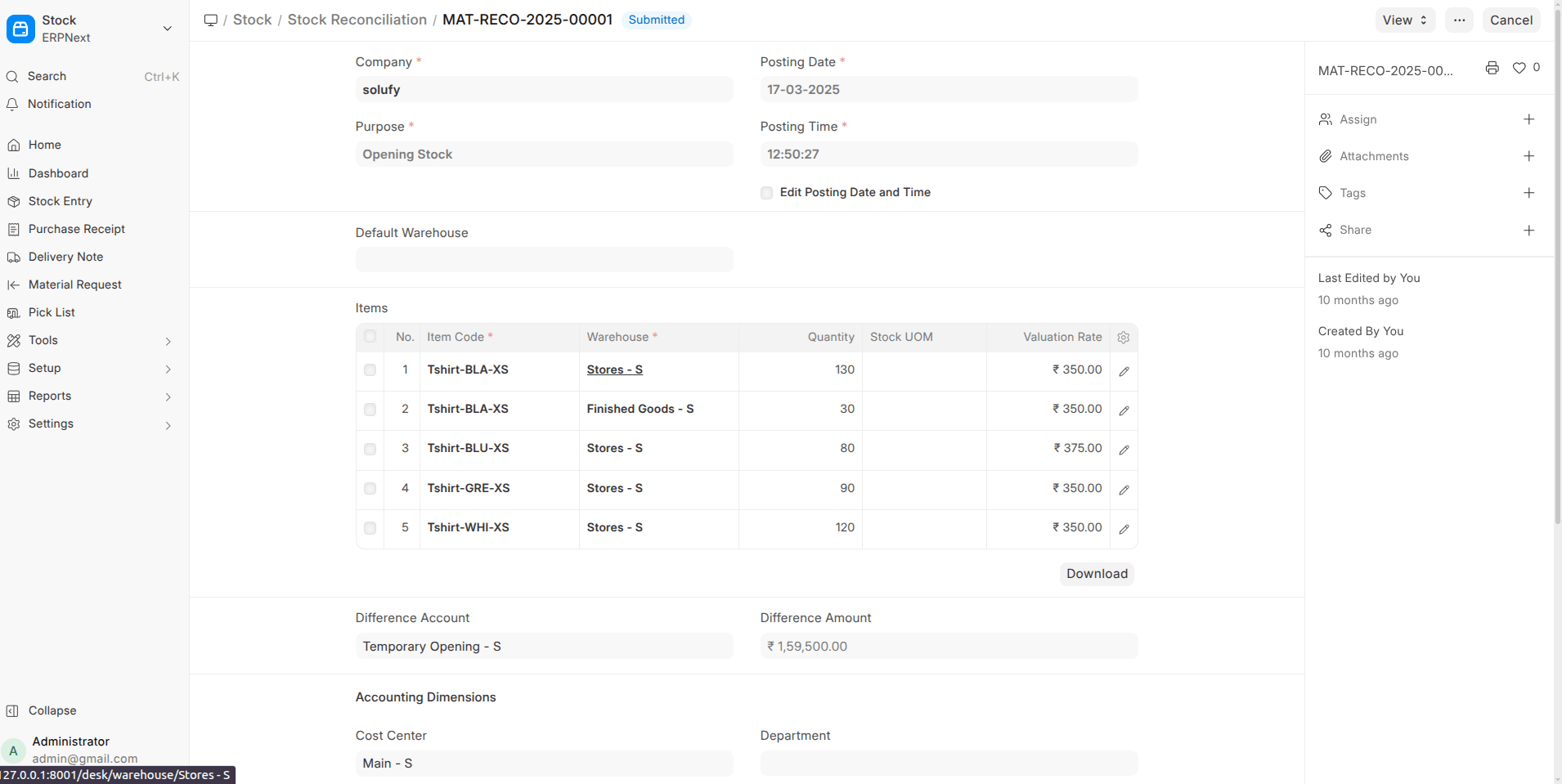
- Stock Reconciliation Enhancement
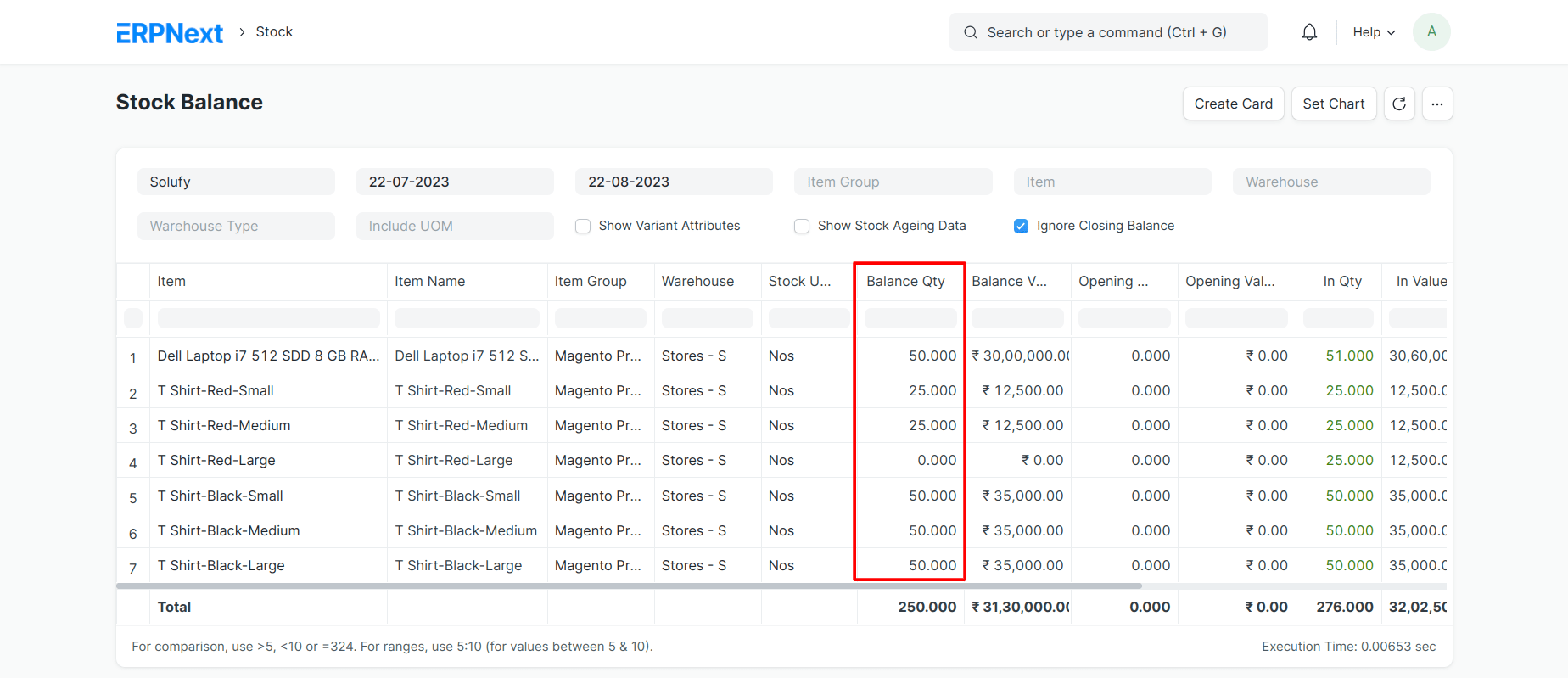
Read-only Stock UOM column helps avoid quantity mistakes.
- Company-wise Stock Valuation Method
Each company can now choose FIFO / Moving Average independently.
Accounting & Finance (Major Reporting Boost)
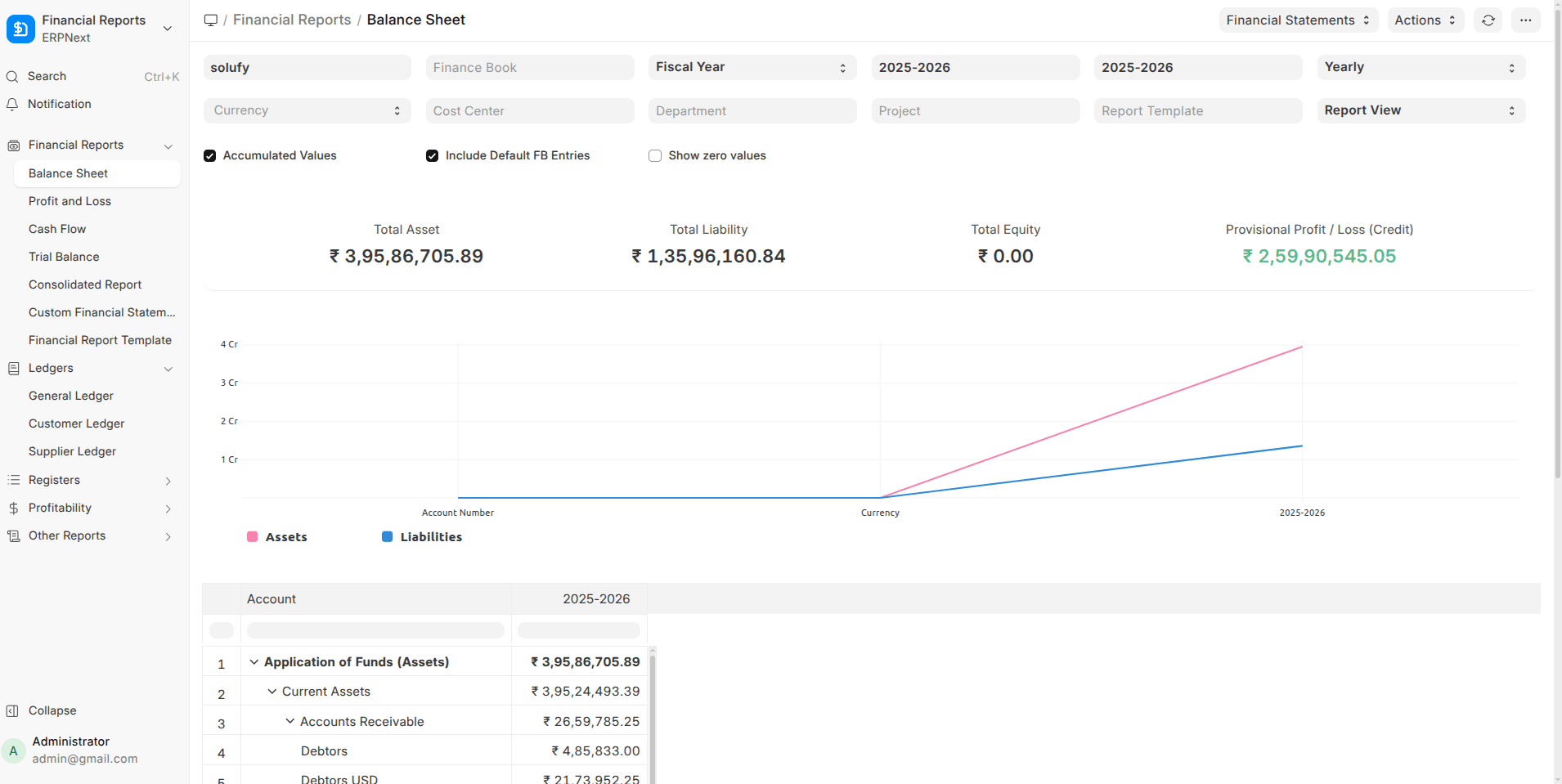
- Financial Report Template Framework
Fully customizable P&L and Balance Sheet layouts with formulas.
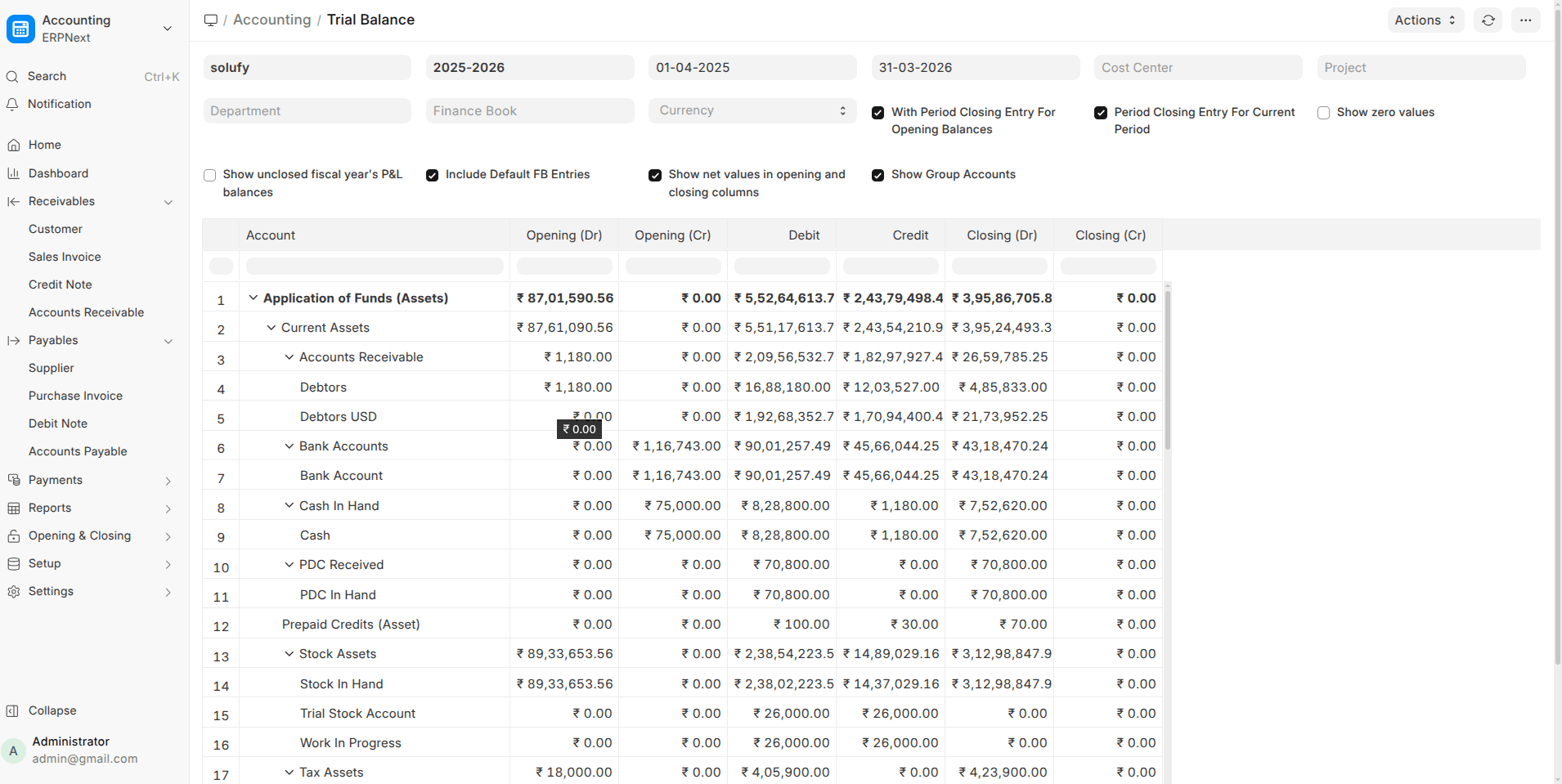
- Consolidated Trial Balance
View balances across multiple companies with automatic currency conversion.
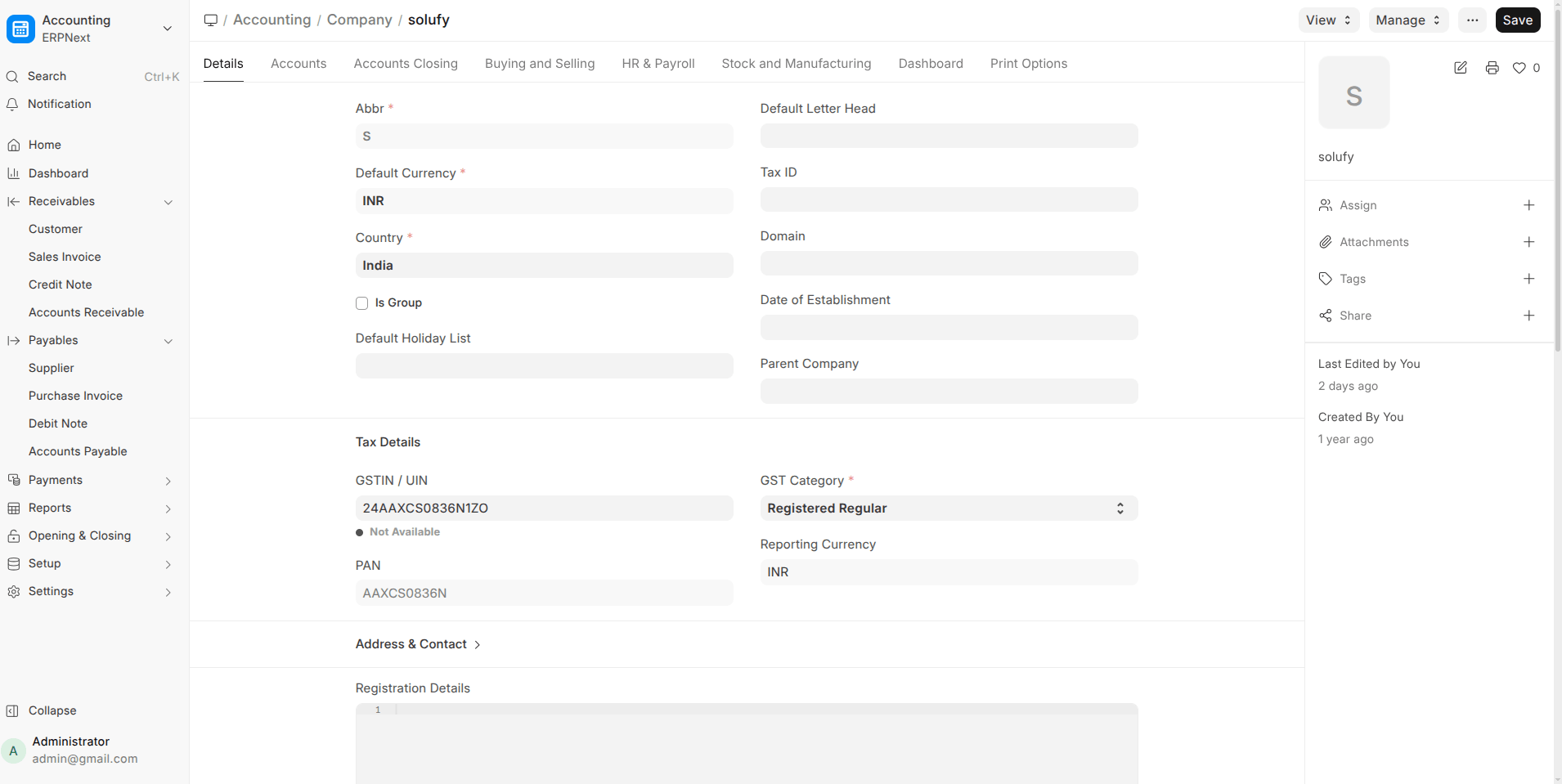
- Reporting Currency per Company
GL entries now store values in a reporting currency alongside base currency.
- Separate Account Name & Number Columns
Cleaner exports for Trial Balance, Balance Sheet, and P&L.
- Dr/Cr Indicator in Ledger Summary
Closing balances are now clearly marked as Debit or Credit.
- Periodic Accounting Support
Companies using periodic inventory can post stock in/out via Journal Entry.
Sales, Purchase & POS
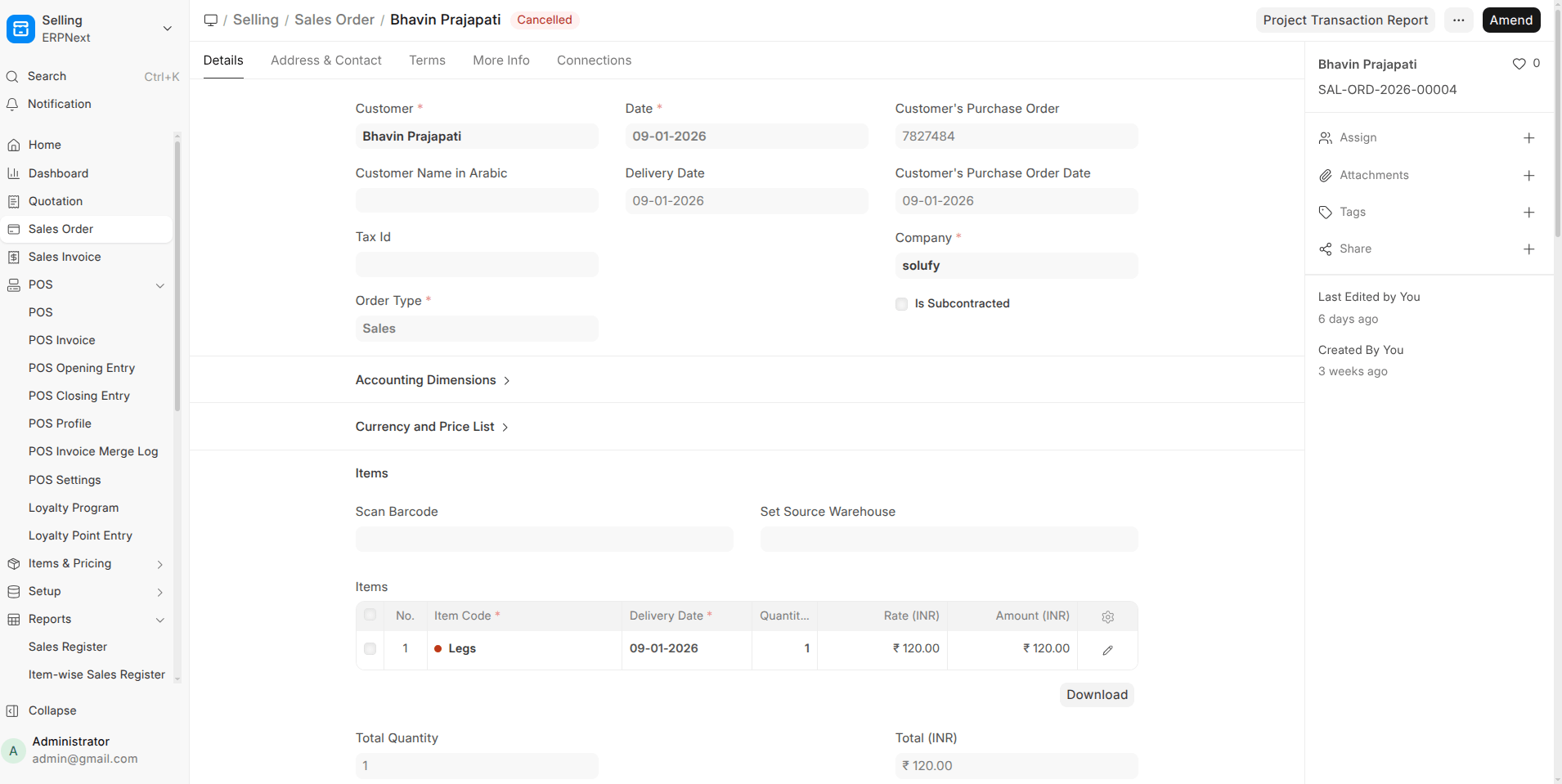
- Sales Order → Delivery Note Cut-off Date
Create delivery notes only for items scheduled up to a selected date.
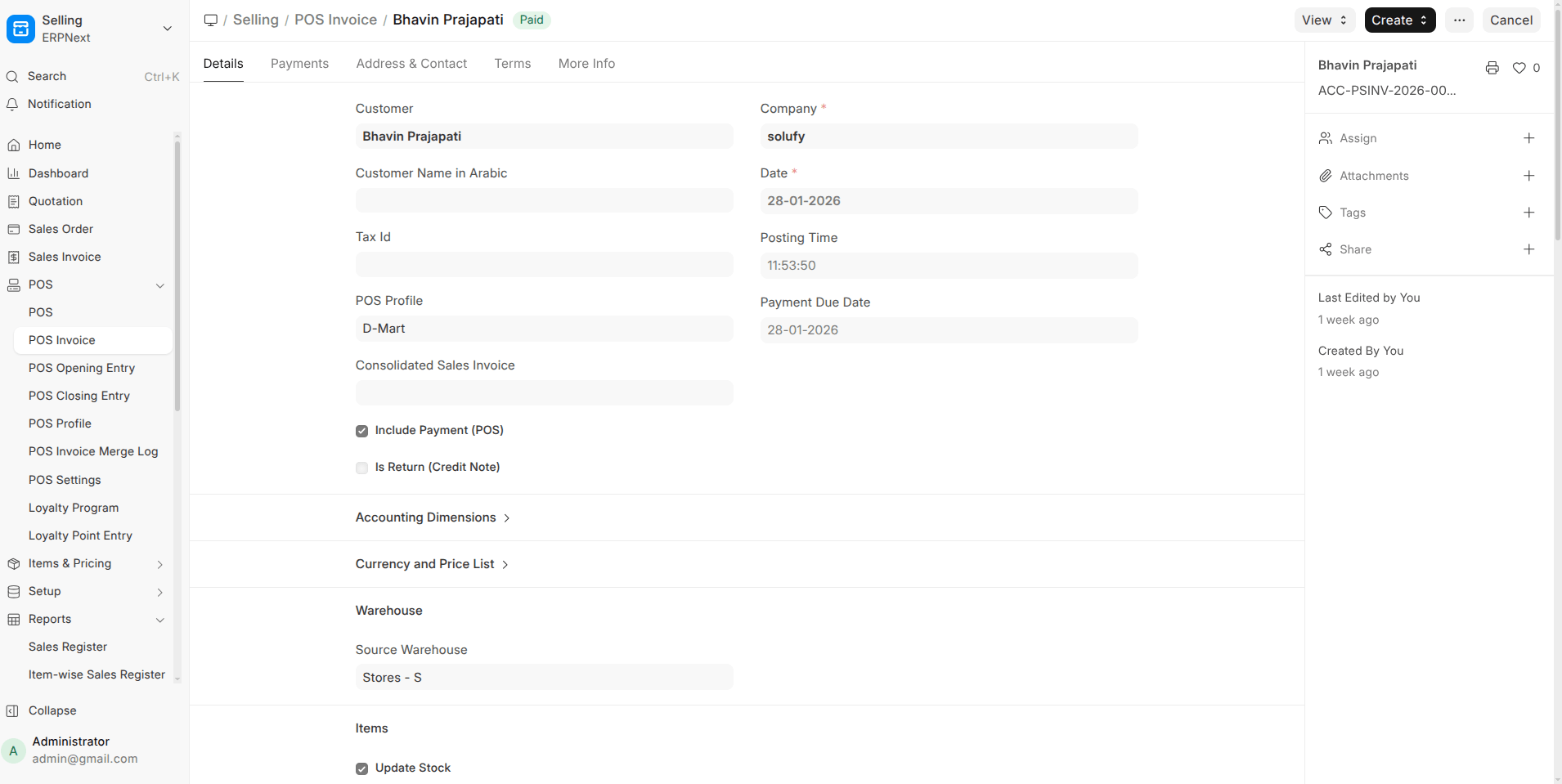
- POS Partial Payments
Accept and track partial payments with proper outstanding handling.
- List-Style Item Selector in POS
Better visibility for long item names when images are hidden.
- Use Sales Invoice in POS
POS can directly create Sales Invoices for real-time accounting.

Localization, Translation & UX
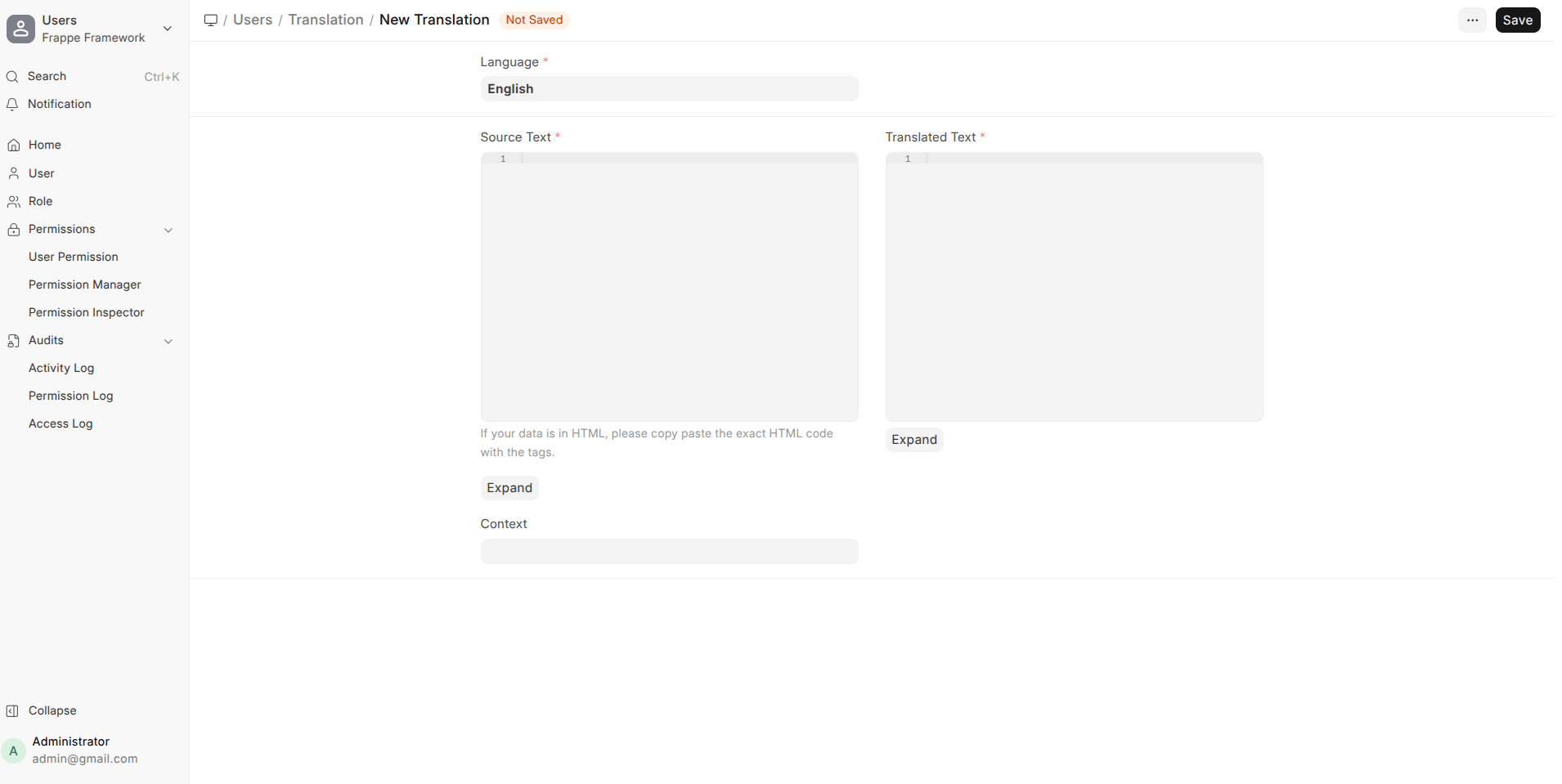
- True Multilingual Support for Masters
Records are stored in English but displayed in translated form (UOMs, setup records, labels).
- Context-Aware Field Translations
Same field names can now translate differently based on DocType.
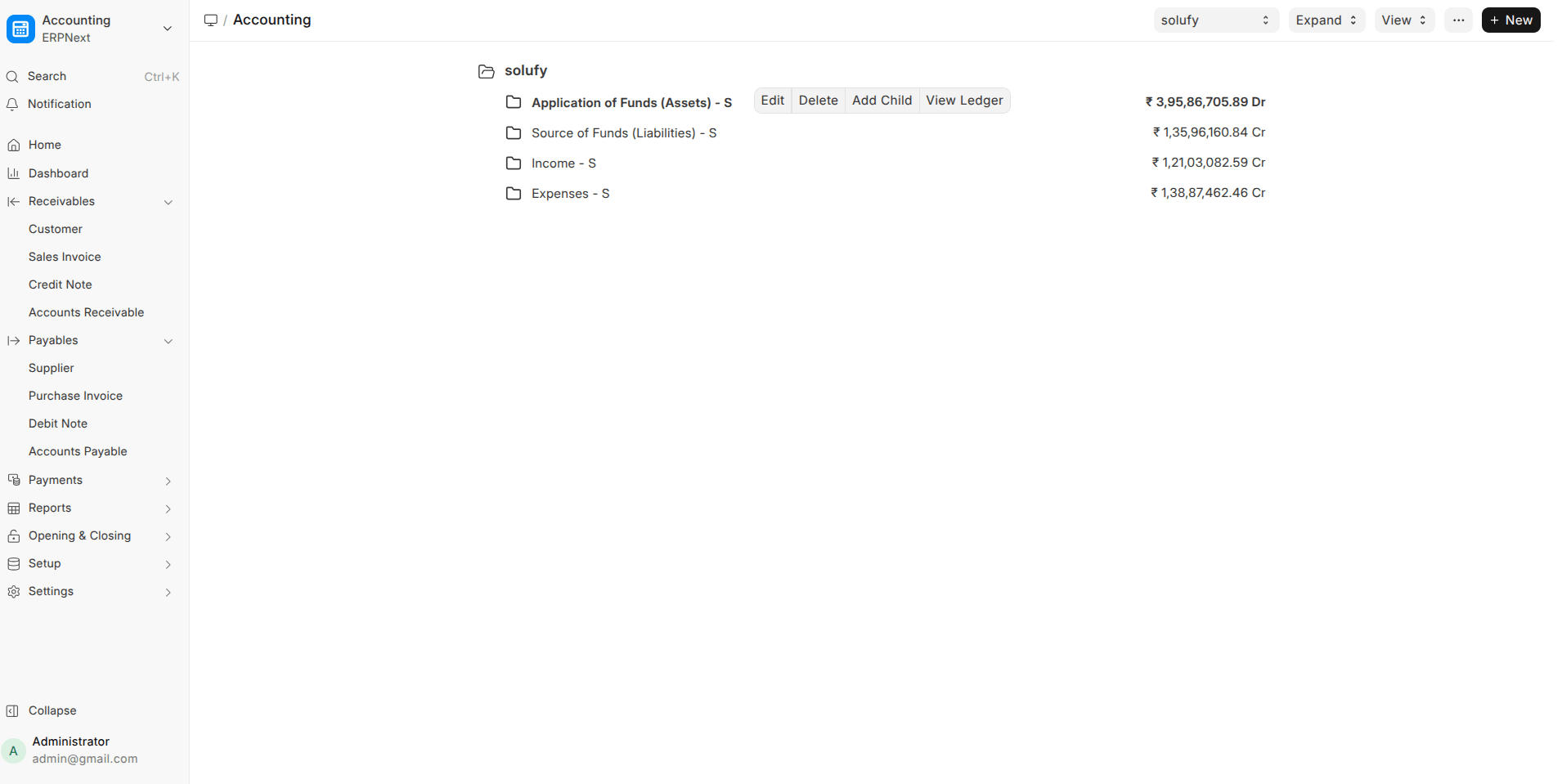
- Tree Views Hide Disabled Records by Default
Cleaner Account, Warehouse, and Department trees.
Traceability, Linking & Automation
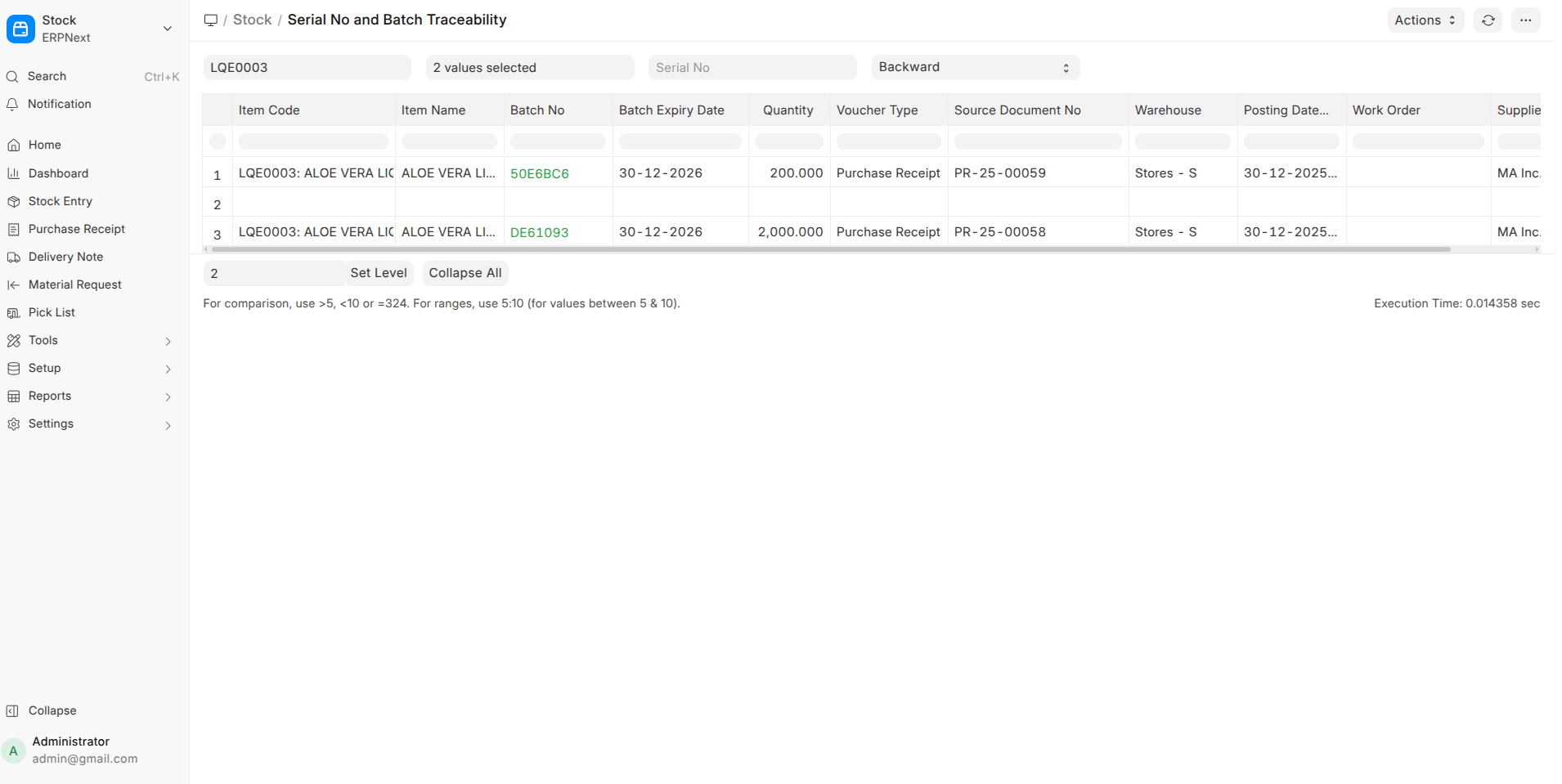
- Serial & Batch Traceability Report
Full backward and forward trace with clickable source documents.
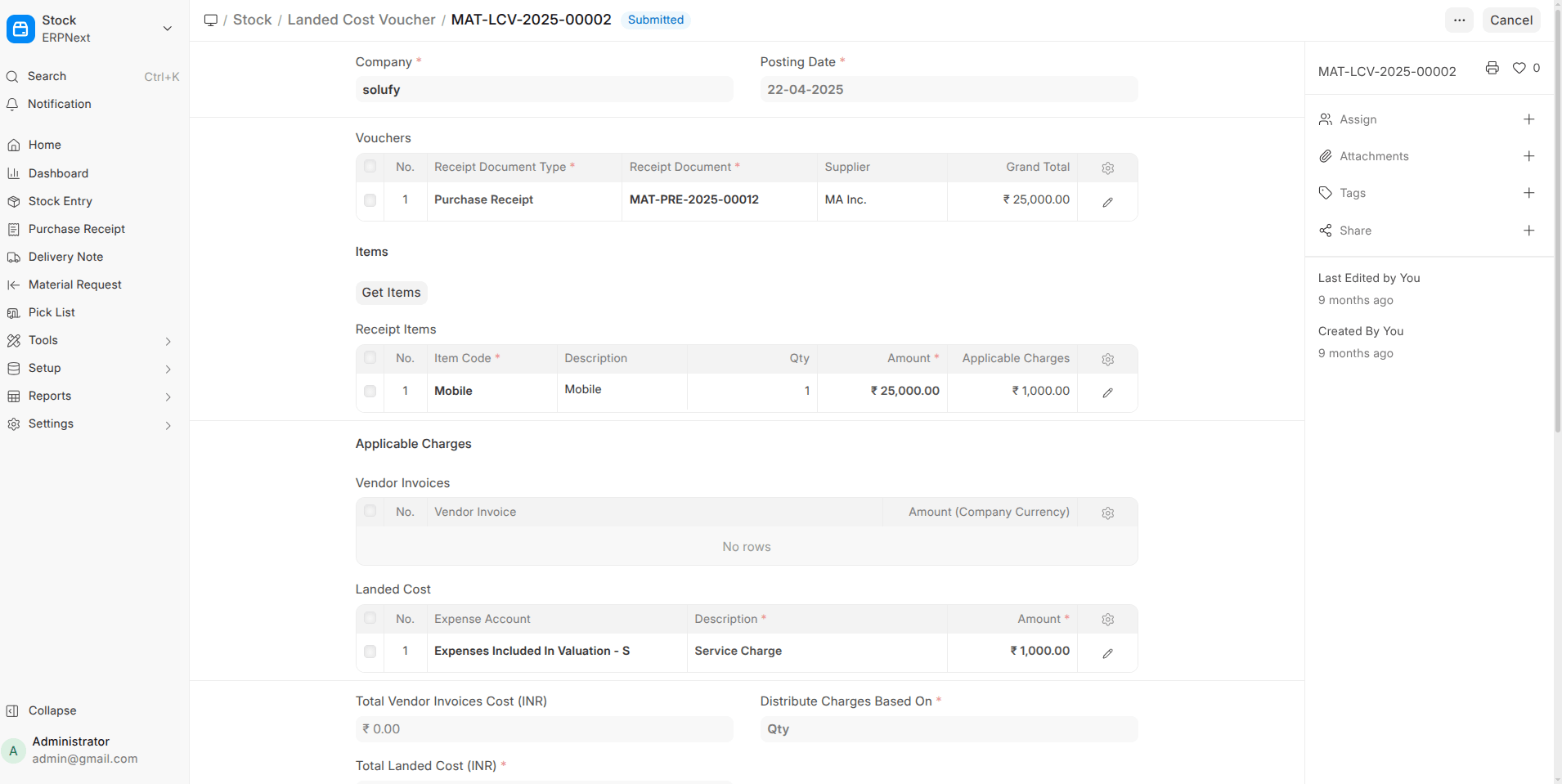
- Landed Cost Improvements
- Link vendor invoices directly
- Link to Work Orders & Subcontracting Receipts
- Submission no longer blocked if totals mismatch
- Email Append-to for Purchase Invoice
Incoming emails can now create draft purchase invoices automatically.
System & Admin Enhancements
- Deprecation Warnings with Version Timelines
Clear alerts when features are scheduled for removal.
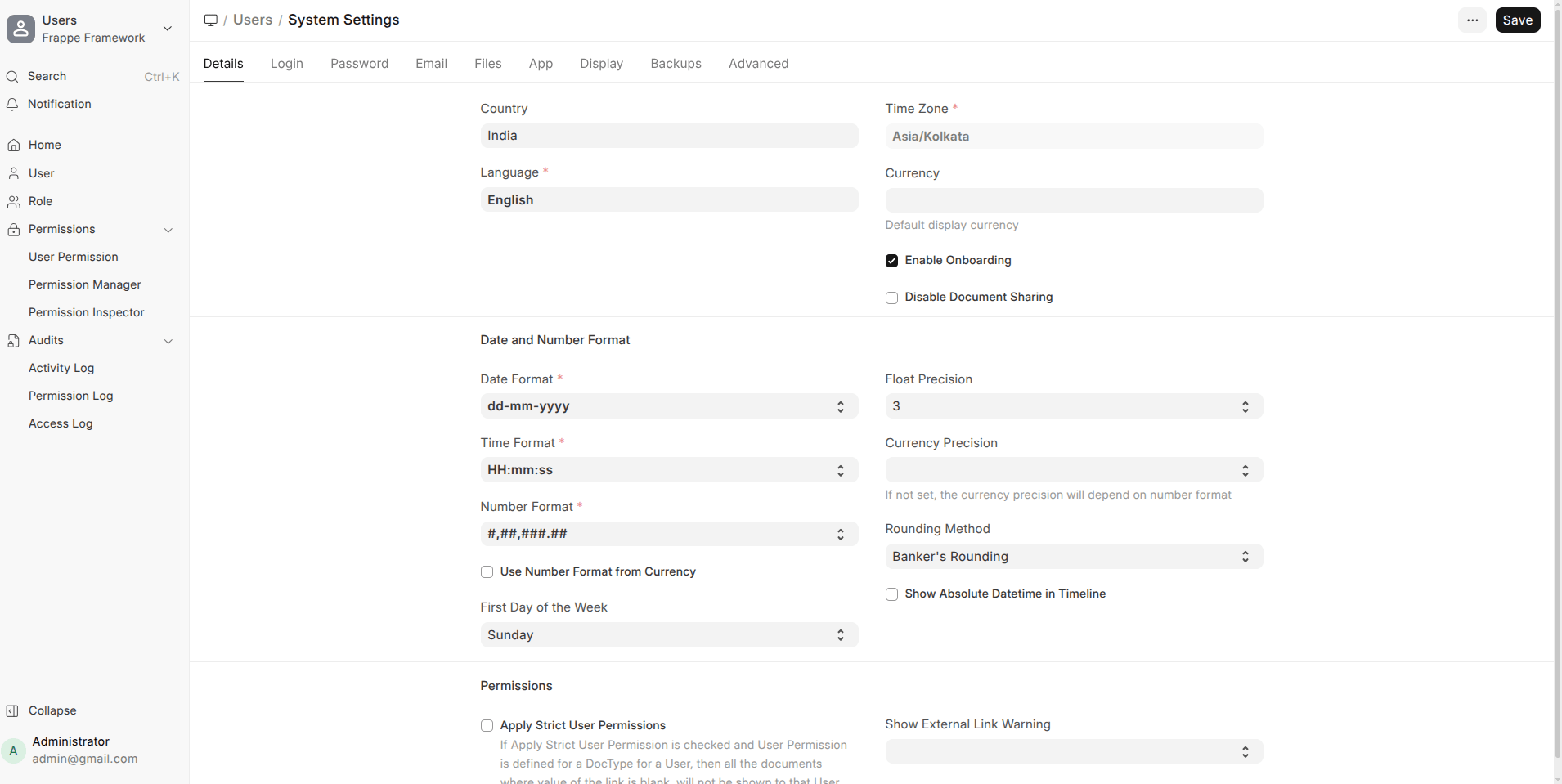
- .ABBR. in Naming Series
Automatically include company abbreviation in document numbers.
- Company-Specific Manufacturing Warehouses
No more global manufacturing warehouse setting.
⭐ Frappe v16
Form Builder & Data Handling
- Smart Options Dropdown for Data Fields
When a Data field is selected, the Options field now becomes a dropdown with common presets like Email, Phone, URL, Barcode, IBAN, etc. This reduces configuration errors and speeds up form design.
- Link Field Creation with Pre-filled Filters
Creating a new record from a link field now carries forward the applied filters, saving time and avoiding duplicate or incorrect data entry.
- Plain-Language Filters
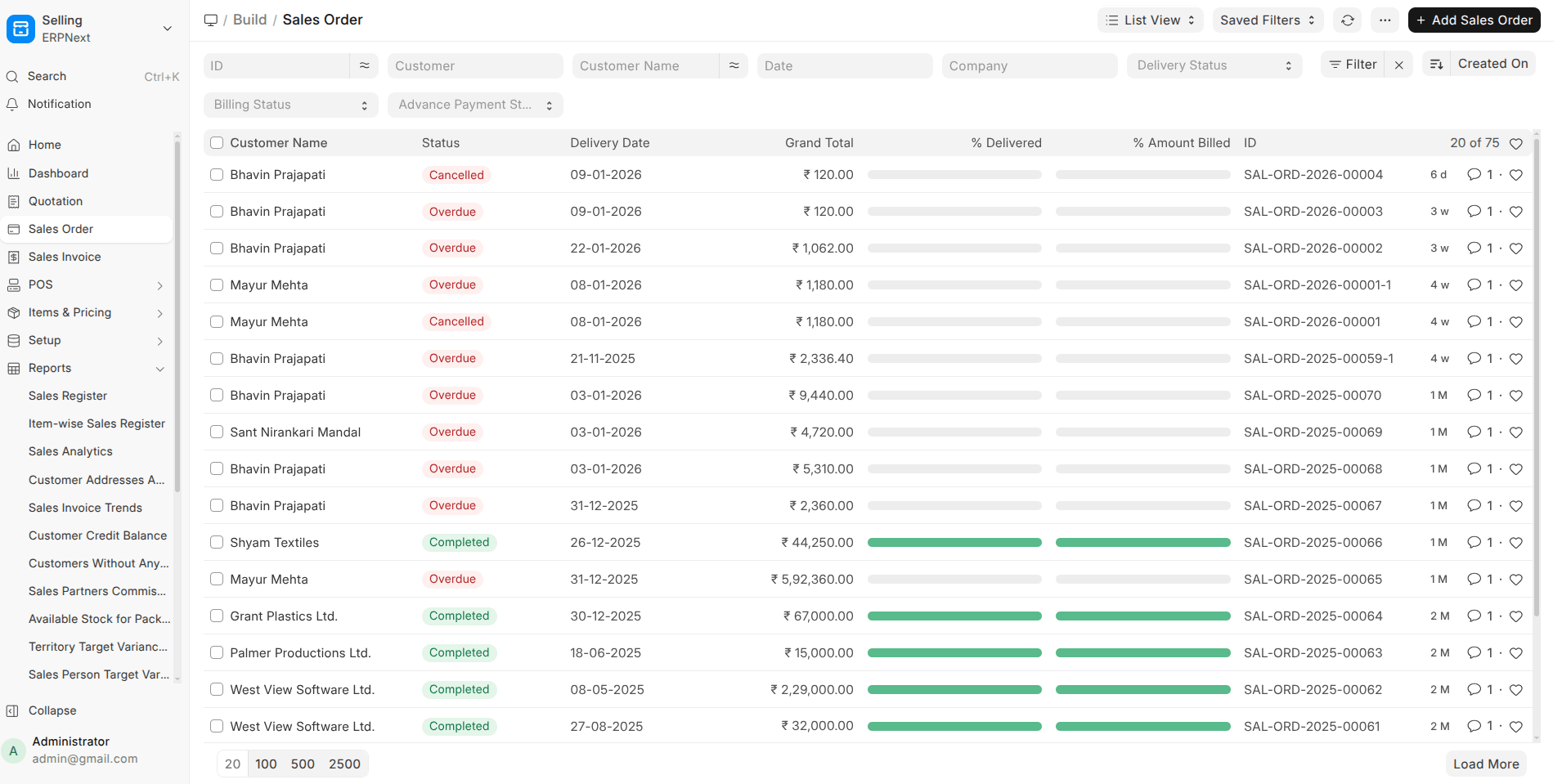
Filter operators are now shown in readable language like “is after” or “not equals” instead of symbols, making filters easier for non-technical users.
- Checkbox Filters Made Human-Readable
Filters now display “is enabled / is disabled” instead of numeric values, improving clarity.
Navigation & Workspace Experience
- Document Titles Instead of System IDs
The navigation bar now shows a document’s title (when available) instead of its internal name, making navigation more intuitive.
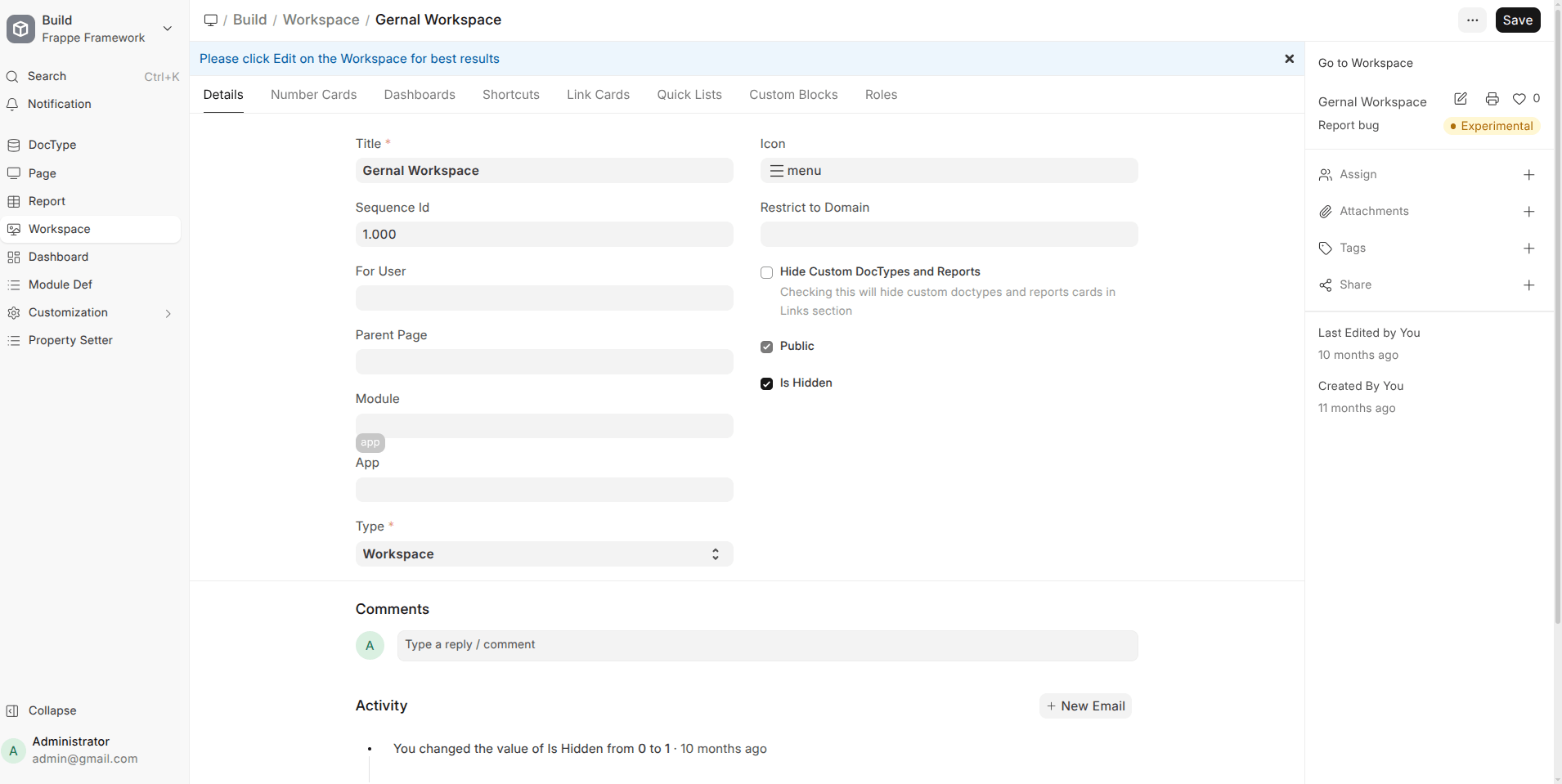
- Unified Workspace Sidebar Icons
Desktop icons now open the relevant workspace sidebar directly, simplifying navigation and reducing confusion.
- Workspace Sidebar Filters
Sidebar links can now open lists with predefined filters applied, making workspaces more powerful and task-oriented.
- Sidebar Highlights Current Page
The sidebar now correctly highlights the page you’re viewing, even with anchors or filtered URLs.
Mobile & Responsive UI Improvements
- Single Mobile Navigation Bar
The two mobile nav bars are merged into one, with a dedicated sidebar button for faster access.
- Improved Mobile Layouts
Titles, status indicators, buttons, and sidebars now render correctly on small screens without overlap or hidden elements.
- Better Touch & Visibility Handling
Action buttons no longer get cut off, and pop-ups appear above sidebars instead of behind them.
Export, Print & PDF Handling
- Searchable Data Exporter
The Data Export dialog now includes a search box to quickly find fields, hiding irrelevant sections automatically.
- PDF Generator Choice
Users can now choose between Chrome and wkhtmltopdf for PDF generation directly from Print Settings.
- Improved PDF Stability
PDF generation now respects the system’s Chromium path instead of downloading a separate binary.
Email & Communication
- HTML Email Support
Email Templates and the email dialog now support raw HTML, optional default CSS, and flexible placement of signatures and footers.
- More Reliable Email Sending
Several fixes ensure emails are sent only when queues are correctly created, preventing silent failures.
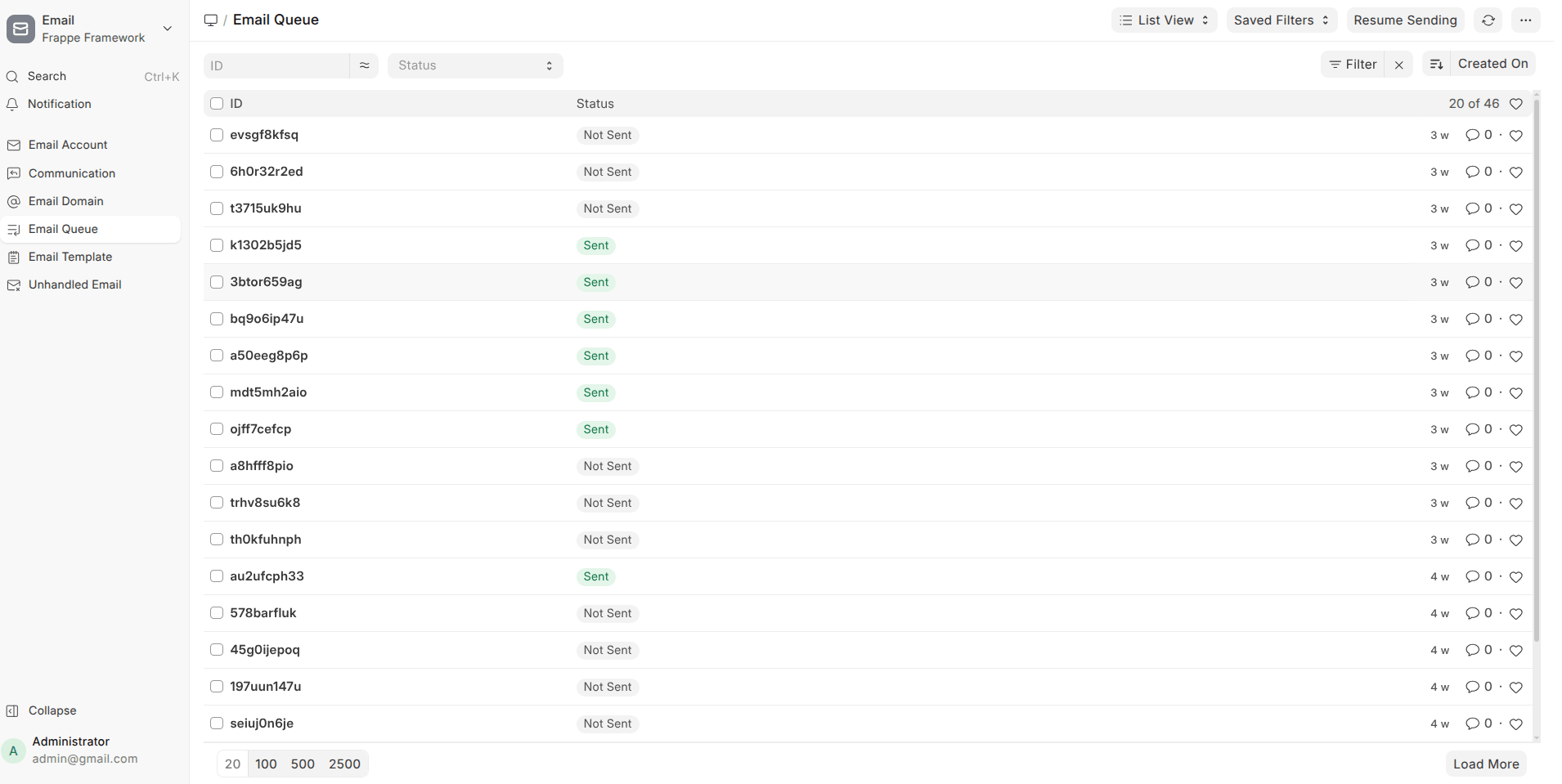
UI & Visual Polish (High Impact, Low Noise)
- Cleaner Lists and Sidebars
- Long labels truncate properly with ellipsis
- Duplicate scrollbars removed
- Icons removed where unnecessary to reduce clutter
- Consistent Spacing & Alignment
Forms, widgets, charts, and navigation bars now feel more uniform and polished.
- Improved Readability
Larger fonts and better contrast for timelines, comments, and headers.
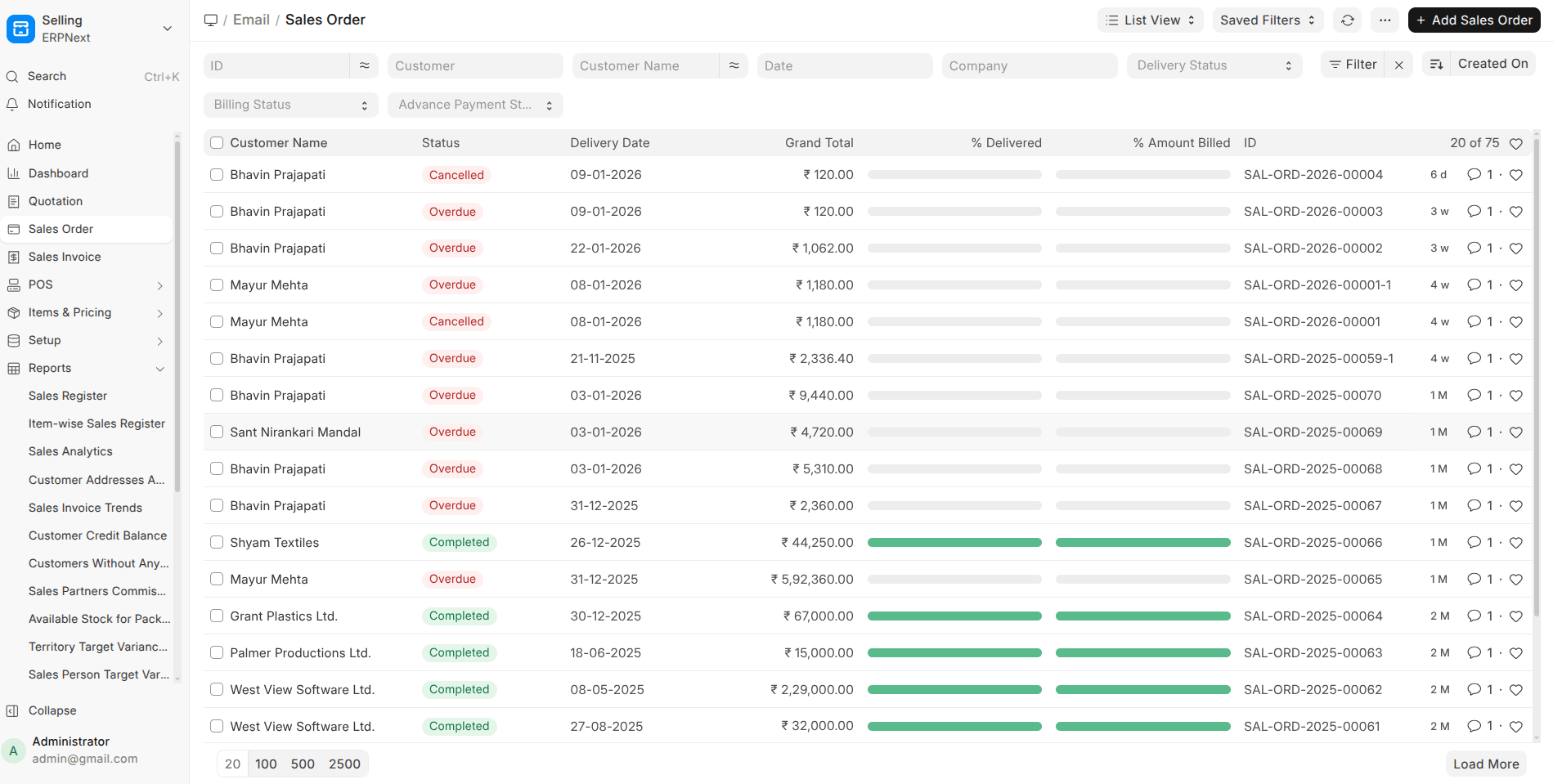
Search, Filters & Lists
- No More Duplicate Search Results
Records no longer appear multiple times after reindexing or updates.
- Translated Filter Values
List filters now show translated option names and retain selections after refresh.
- Improved Query Handling
Permission filters, joins, and database-specific functions now behave correctly across MariaDB, PostgreSQL, and SQLite.
System, Developer & Stability Improvements
- Default SQL Query Support
A single default SQL query can now be used across database engines, reducing duplication in code.
- Custom Naming Series Priority
Custom parsers now apply before standard rules, allowing better control over document names.
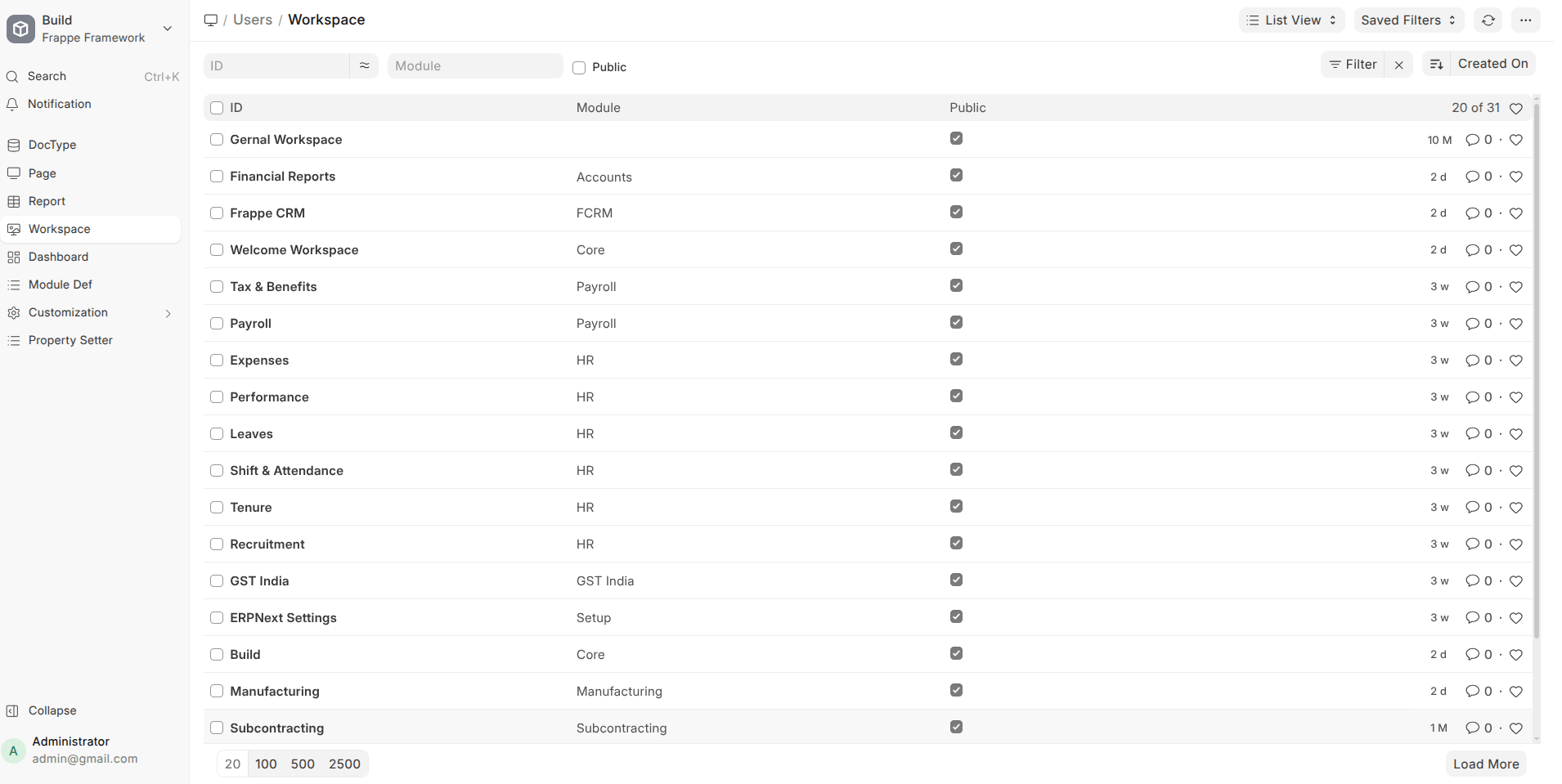
- Cleaner Workspace Management
Orphaned workspace and sidebar entries are automatically removed, reducing UI clutter.
- Better Error Handling
Clearer warnings for long field values and missing records prevent unexpected crashes.
Best Improved Features in Frappe HRMS v16
Mobile App / PWA (Biggest Win in v16)
HRMS v16 makes a strong push toward mobile-first usage with a much more complete PWA experience.
- Mobile App Starter (PWA)
A solid foundation for running HRMS as a Progressive Web App, reducing dependency on native apps.
- Core HR Actions on Mobile
Employees can now:
- Apply and manage Leaves
- Submit Expense Claims
- Request Employee Advances
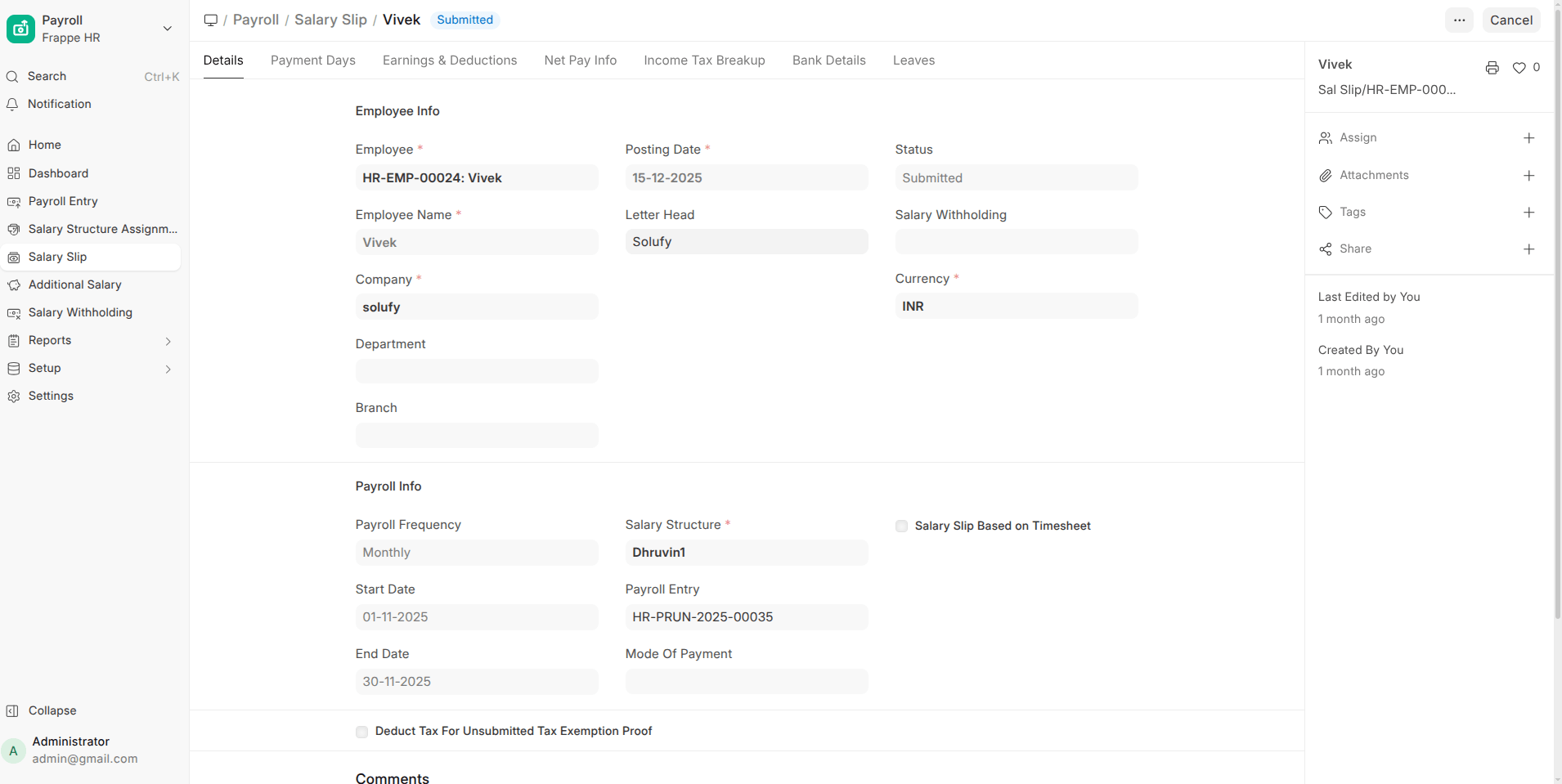
- Salary Slip Access
Employees can view and download Salary Slips directly from the PWA.
- Install Prompts & Notifications
The PWA supports install prompts and push notifications, improving adoption and engagement.
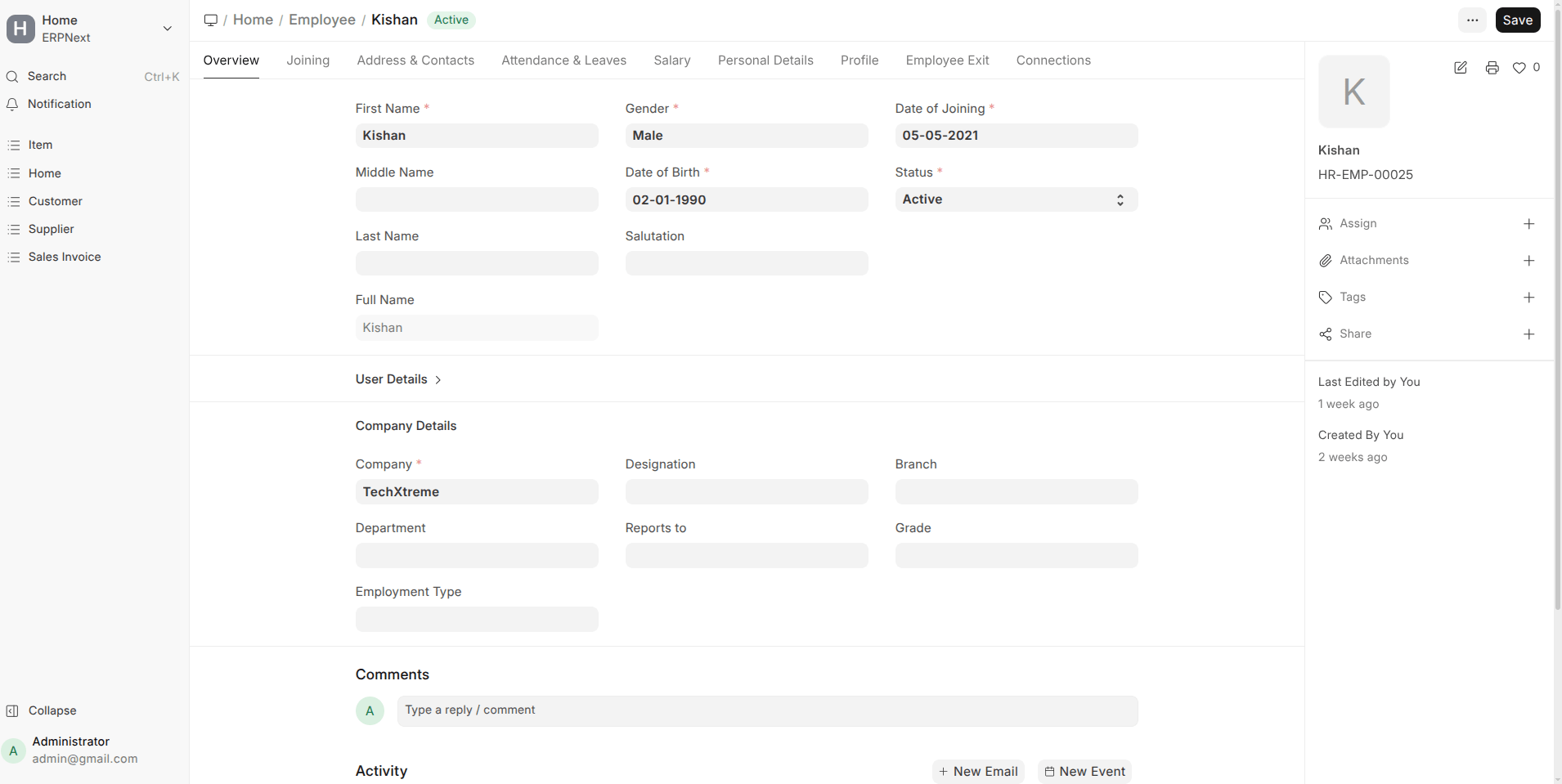
- Profile Page in PWA
Employees can view their profile details directly on mobile.
- Bottom Tab Navigation
Consistent bottom tabs and icons make navigation intuitive and app-like.
- Better File Handling
Improved attachment previews, file downloads, and overall document handling in the PWA.
Impact: HRMS is now genuinely usable on mobile for employees, not just a trimmed-down version.
Leave Management Enhancements
Leave workflows received several functional upgrades.
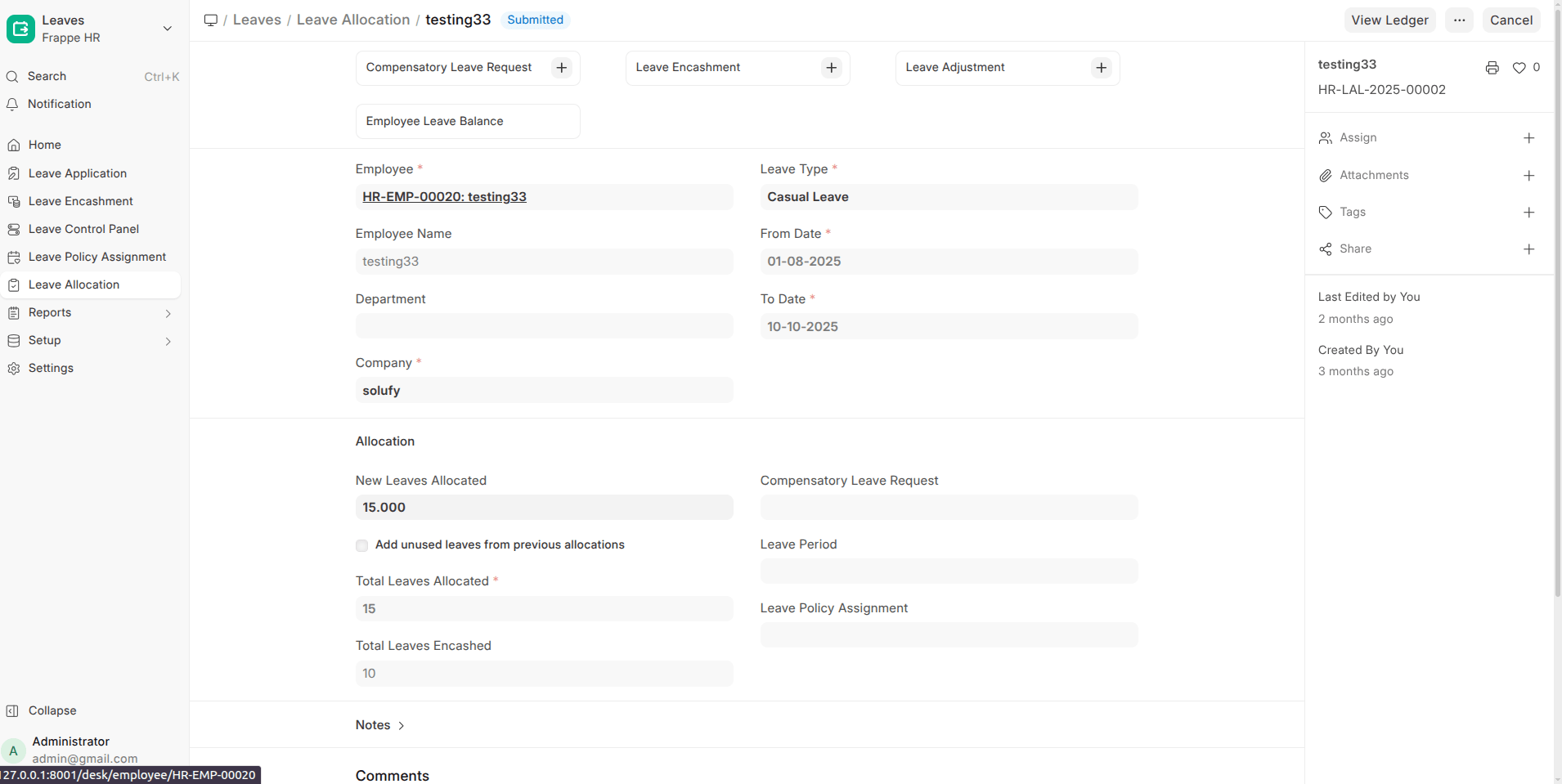
- Leave Adjustment (Major Change)
Redesigned leave adjustment logic for more accurate balance handling.
- Earned Leave Schedule
Supports structured earned leave accrual over time.
- Leave Encashment via Payment Entry
Leave encashment can now be processed cleanly through Payment Entry.
- Holiday List Assignment
Assign holiday lists more flexibly across employees.
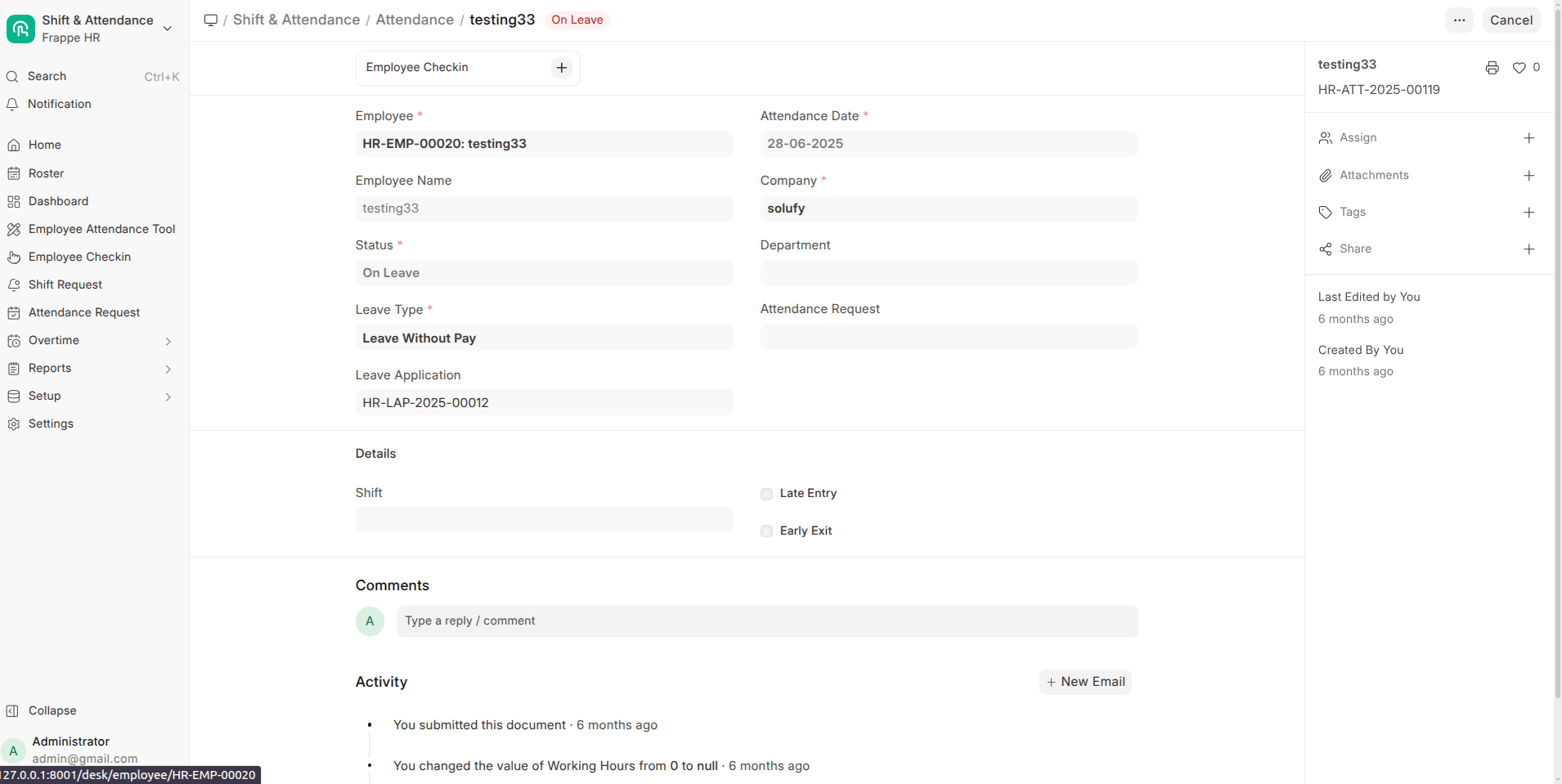
- Attendance-Based Leave Improvements
- Filter unmarked attendance by shift
- Create attendance requests directly from attendance records
Impact: Leave tracking is more flexible, accurate, and payroll-friendly.
Attendance & Shift Management
- Overtime Support
Native overtime tracking added for payroll calculations.
- Shift Assignment via Bulk Attendance
Shifts can be set using the bulk attendance tool.
- Permission-Based Attendance Marking
Attendance options now respect user permissions more strictly.
Impact: Better control for organizations with shift-based or factory-style attendance.
Payroll & Compensation Improvements
Payroll processing is more robust and realistic.
- Multi-Currency Support
Employee Advances and Expense Claims now support multiple currencies.
- Salary Arrears Handling
Proper handling of salary structure arrears.
- LWP (Leave Without Pay) Reversal Fix
Payroll corrections now handle LWP reversals accurately.
- Employee Benefit Redesign (Breaking Change)
Benefits have been reworked for better flexibility and long-term maintenance.
- Fractional Work Experience Support
Allows decimal values for work experience (useful for gratuity calculations).
Impact: Payroll accuracy improves, especially for complex or multi-country setups.
Recruitment & HR Operations
- Interview Linking
Interview records are now linked directly with Interview Summary in Job Applicant.
- Attendance Requests
Employees can initiate attendance correction requests from existing attendance entries.
Impact: Cleaner hiring workflows and better employee self-service.
Localization & Accessibility
- Persian Language Added
HRMS now supports Persian, improving accessibility for regional users.
Admin, Export & System Improvements
- Workspace Sidebar & Desktop Icon Export
Makes it easier to migrate or replicate HRMS setups across sites.
- Invalid Log Visibility
Invalid or failed logs are now visible, improving debugging and audits.
Join the conversation. Share your thoughts or questions about this article below.
No comments yet. Be the first to share your thoughts!