

Introduction :
In the Appointment Booking Management System, you can easily handle applications for various purposes based on different places and spaces. For instance, if you have multiple branches for your gym, you can organize the areas or rooms according to each branch’s location. This way, you can create a tailored solution for different needs, all with their own unique themes.
Email Account Setup :
Email has to be set up before appointment booking management.
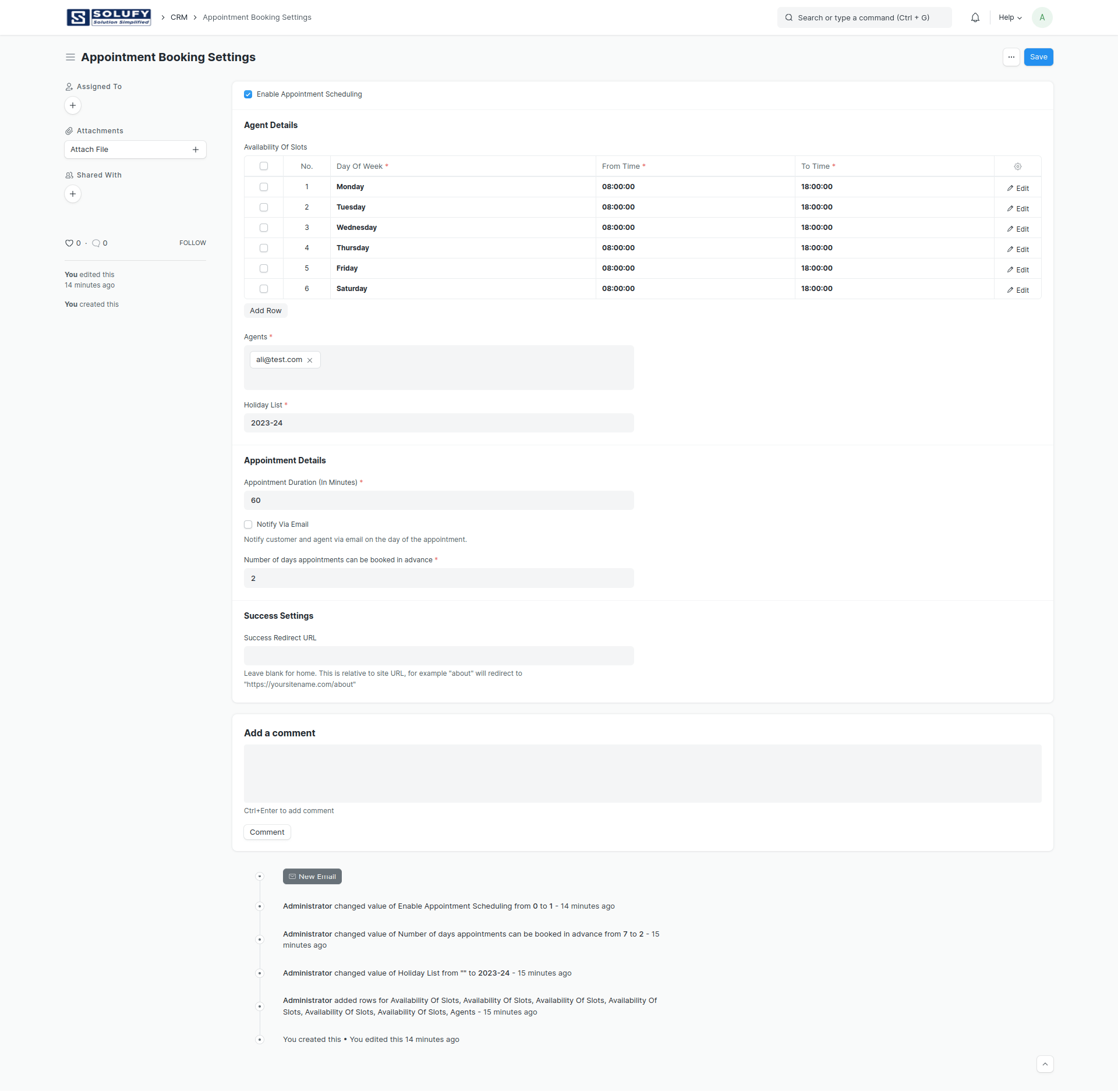
Appointment Booking Settings :
Firstly “Appointment Booking Settings” has to be configured in Appointment Booking Management. If you check “Enable appointment scheduling”, appointments are enabled. After that, the availability of slots, agents, and holiday lists are configured in the agent details. After that Appointment Duration (In Minutes) has to be set. The number of days appointments can be booked in advance has to be set
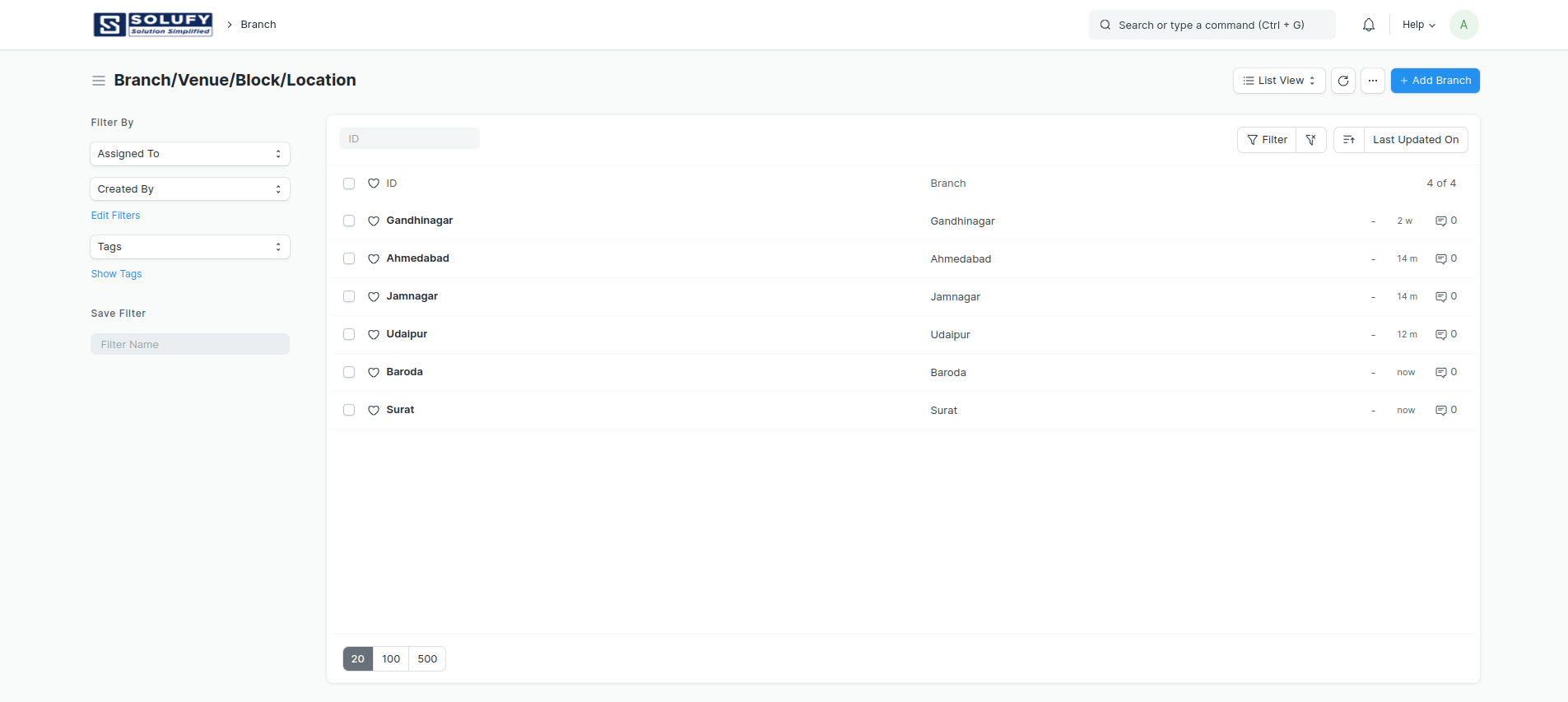
Branch/Venue/Block/Location :
If you have multiple branches, different locations, and various blocks in an apartment complex, hospital department, or office department, you can handle all these situations using the “branch” document type.
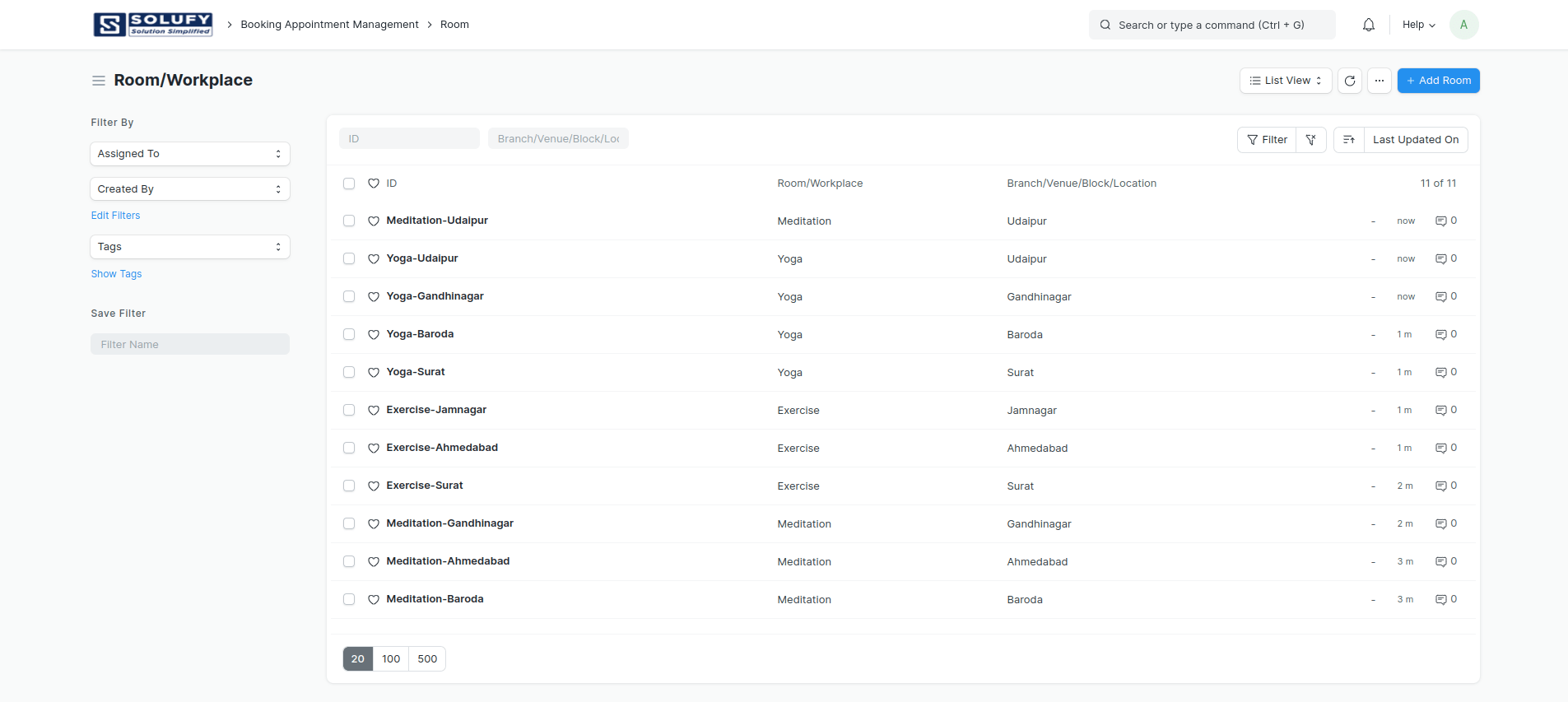
Room/Workplace:
If you find yourself managing multiple branches with diverse rooms or workspaces, apartments or societies with varying flat or workspace numbers, a gym with numerous locations that require definition, or a hospital featuring various room types, the “Room” Doctype can effectively address all these scenarios.
Portal View:
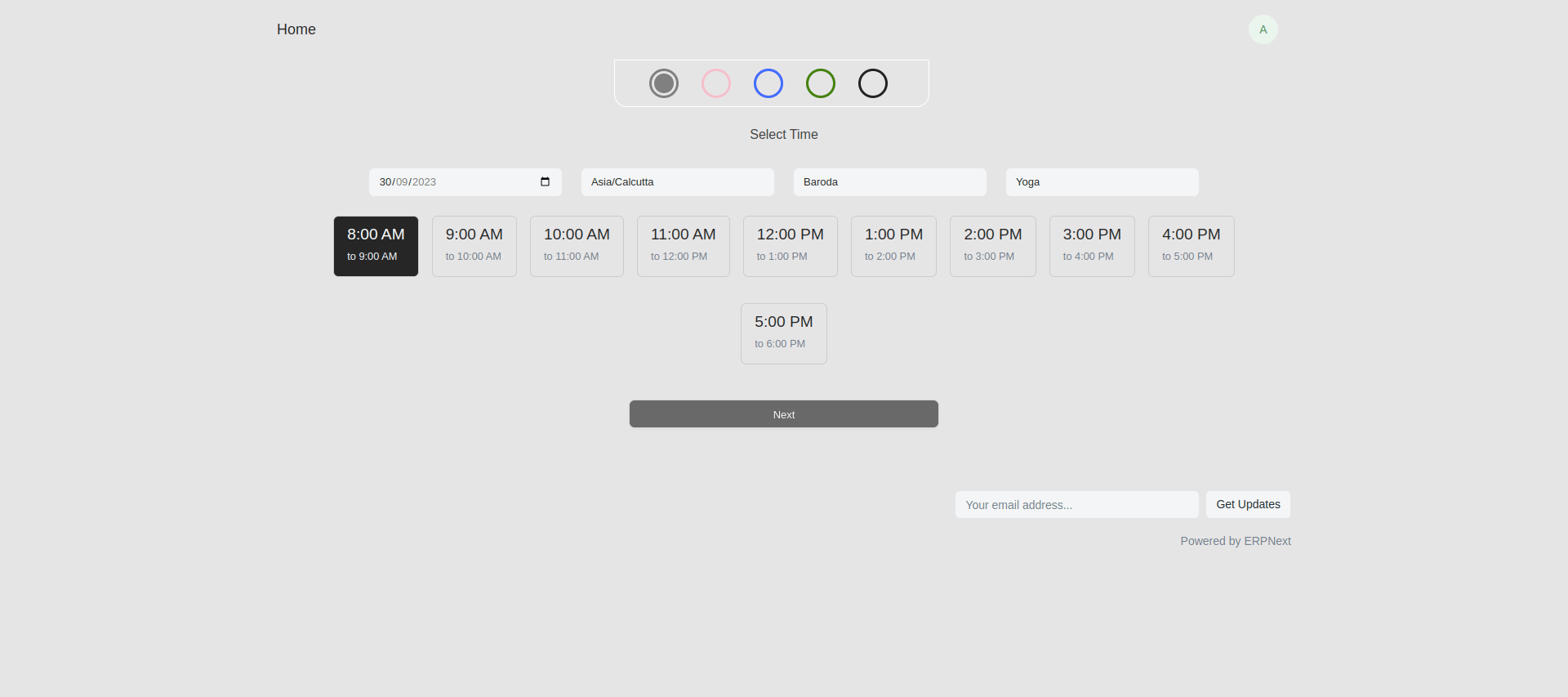
We’ve introduced a “Pick a Colour” feature. When you choose a colour Theme, the entire portal will automatically use that scheme to match the theme. Show available appointment slots based on the branch/venue/block/location, as well as the specific room or workplace.
Conclusion:
outlines the Appointment Booking System’s adaptability to manage appointments across diverse locations and spaces. Tailor your experience for multi-branch businesses with customization options, ensuring efficient appointment management through adjustable settings. Document types like “branch” and “Room” offer versatility, and portal customization enhances user experience and theme coherence.
To Buy Now: https://app.solufyerp.com/products/appointment-booking-management-v14
Join the conversation. Share your thoughts or questions about this article below.
No comments yet. Be the first to share your thoughts!